Birthday invitation card with photo
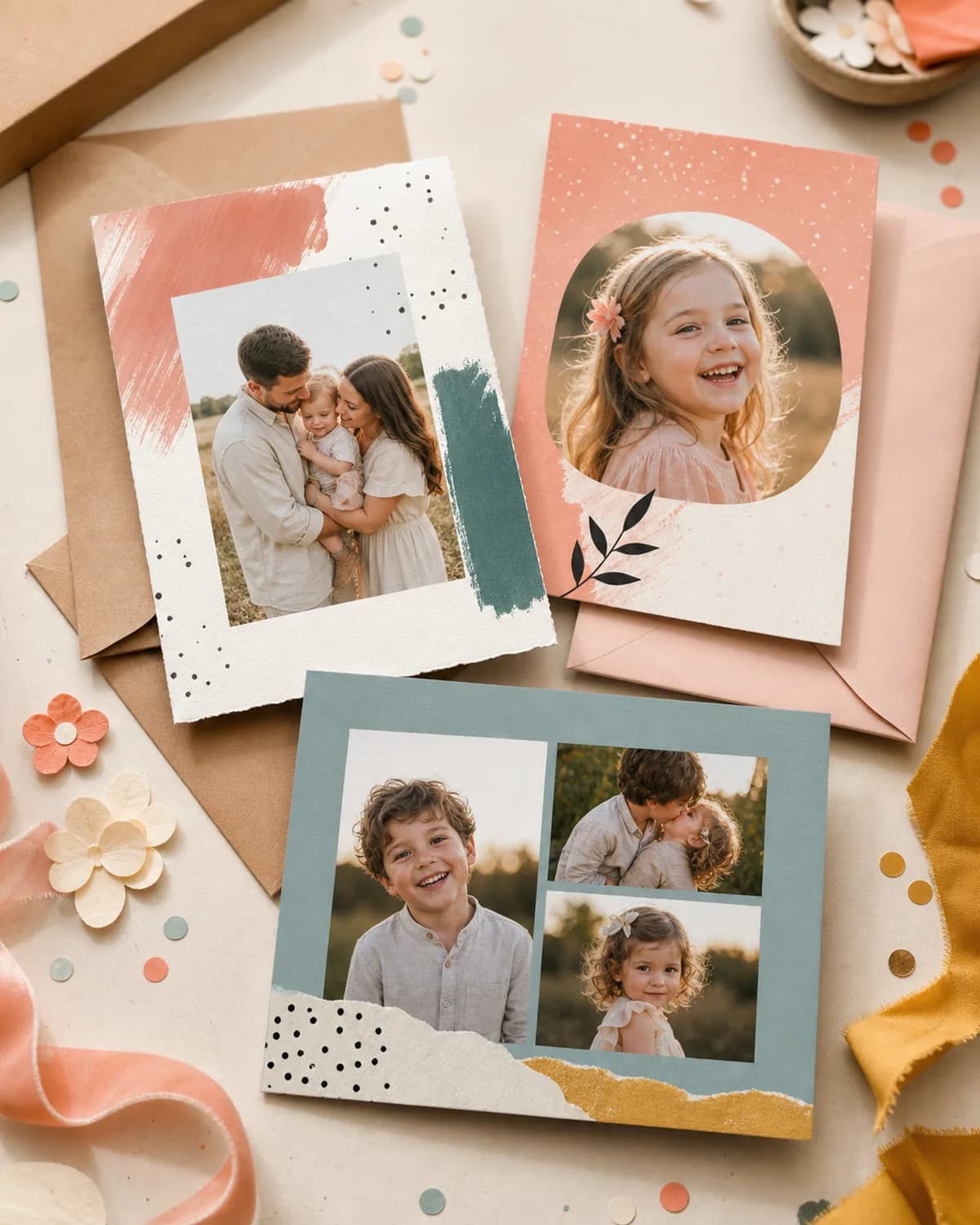
Create a birthday invitation featuring the birthday person's photo. Add a short invitation with their name, age, and key party details, then preview the image before unlocking the download.
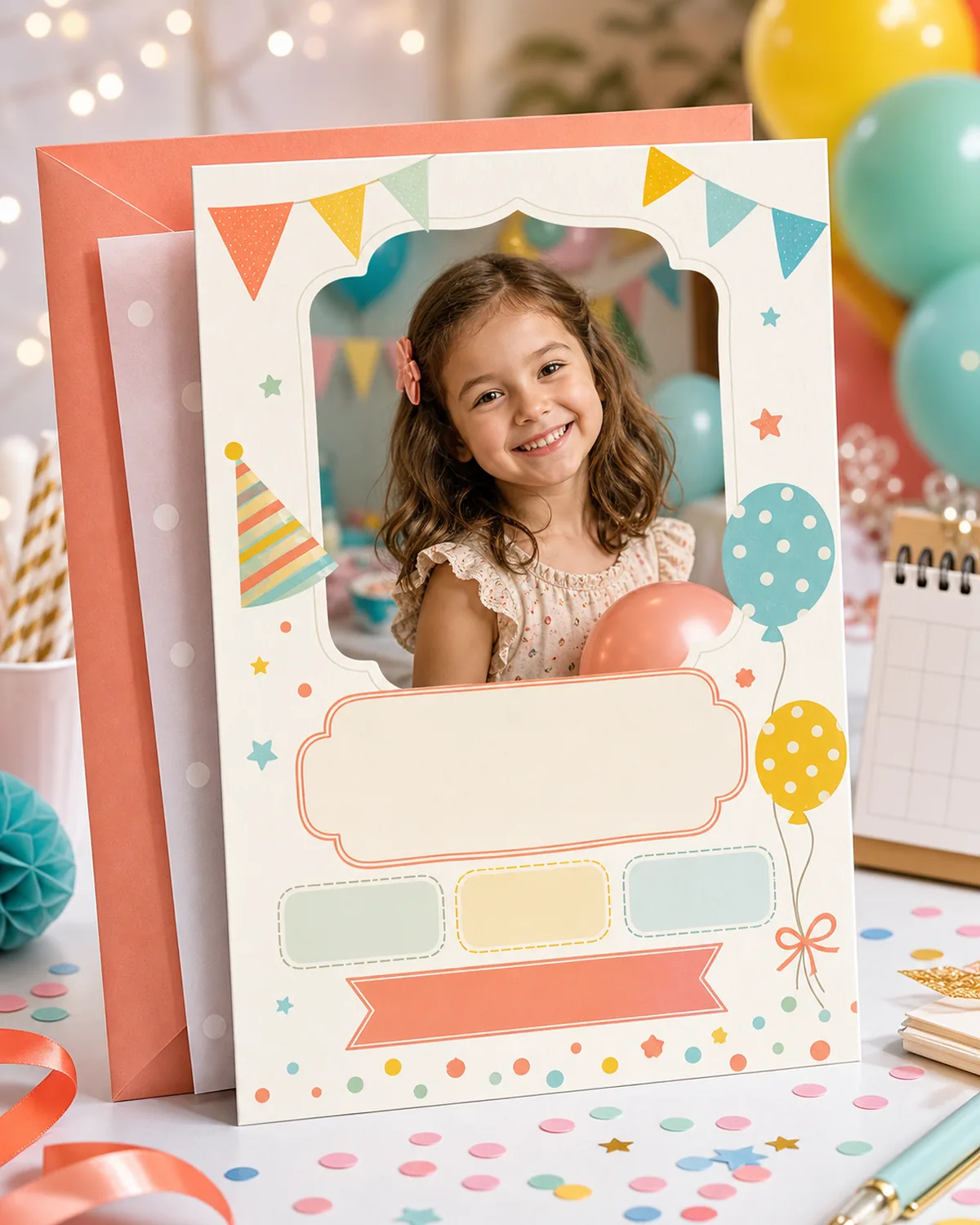
Make the birthday person the center of the invitation
Start in FamilyShoot with a clear photo of the birthday child or adult and choose a birthday card layout. Use the Greeting / card text field for a brief invitation such as "You are invited! Ava turns 7. Saturday 12 July, 3 pm at Willow Hall." For a first birthday, try "Join us for Leo's first birthday! Sunday 8 June, 2 pm."
The card text field allows up to 120 characters. Put longer directions, the full address, and RSVP instructions in the email or message you send with the image. This keeps the card readable while giving guests all the information they need.
Check the name, age, date, time, and venue carefully in the preview before sharing. After unlocking the high-resolution image, send it digitally or arrange your own printing.
Related occasions and gift pages
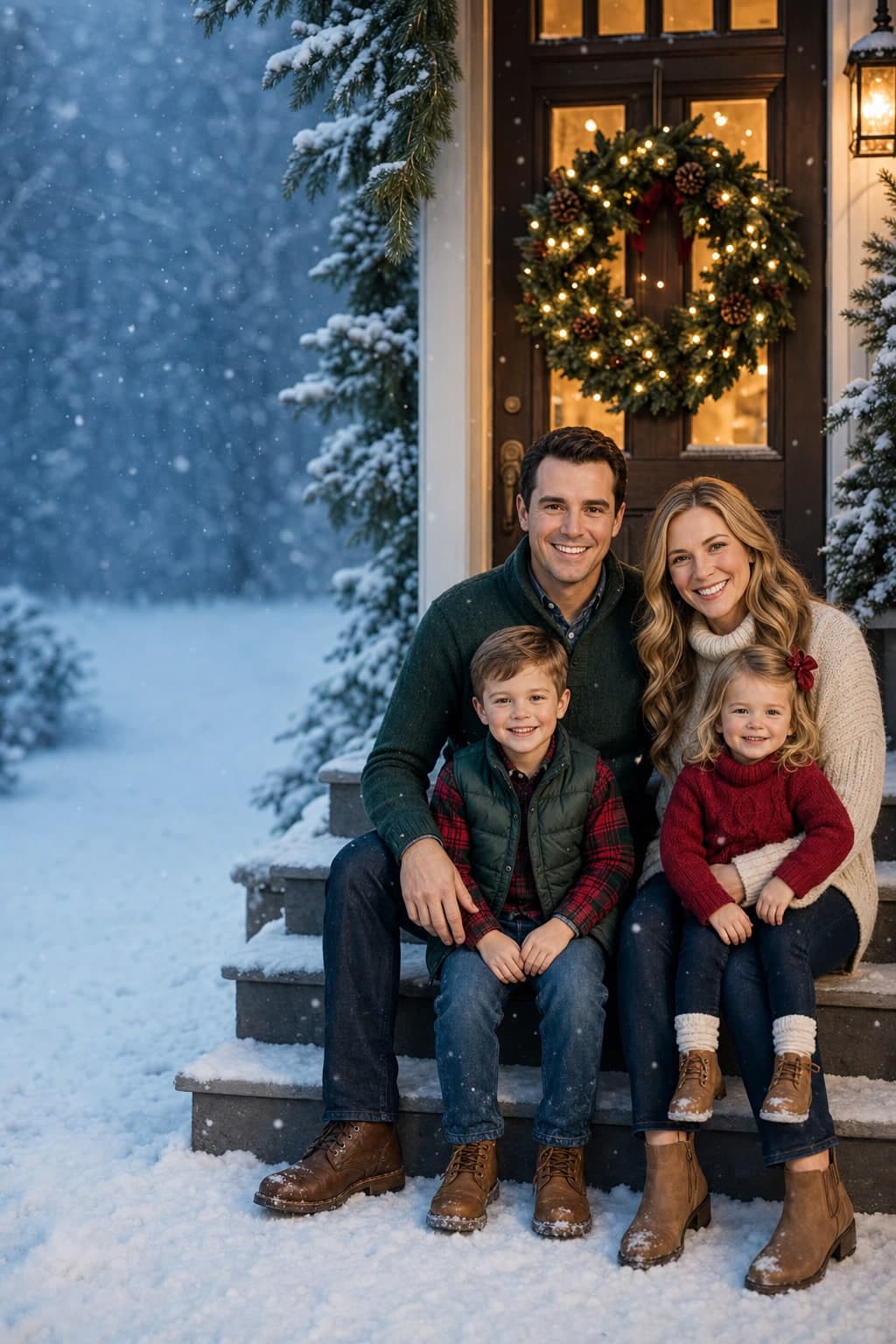
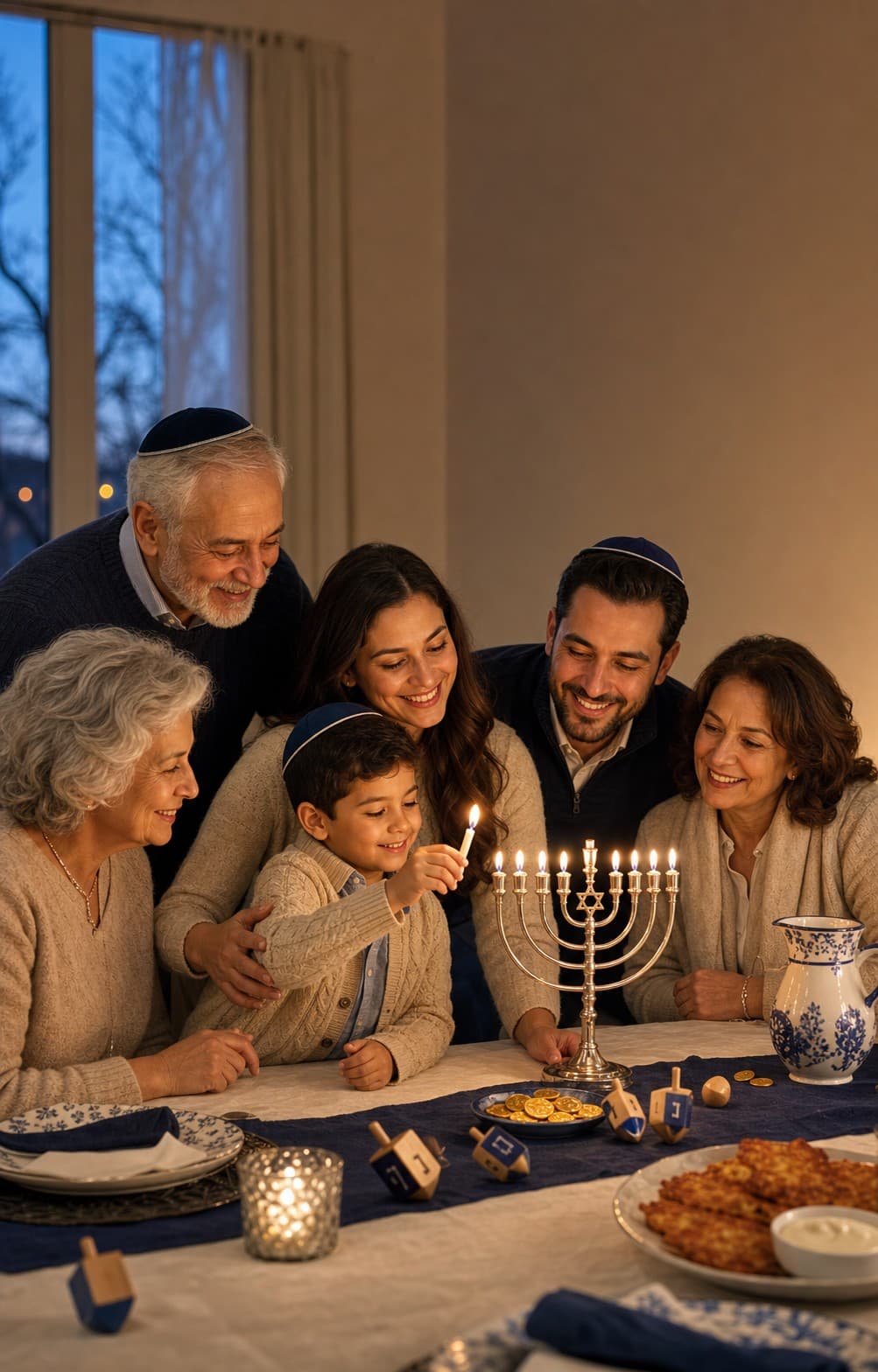
More from Cards
Browse all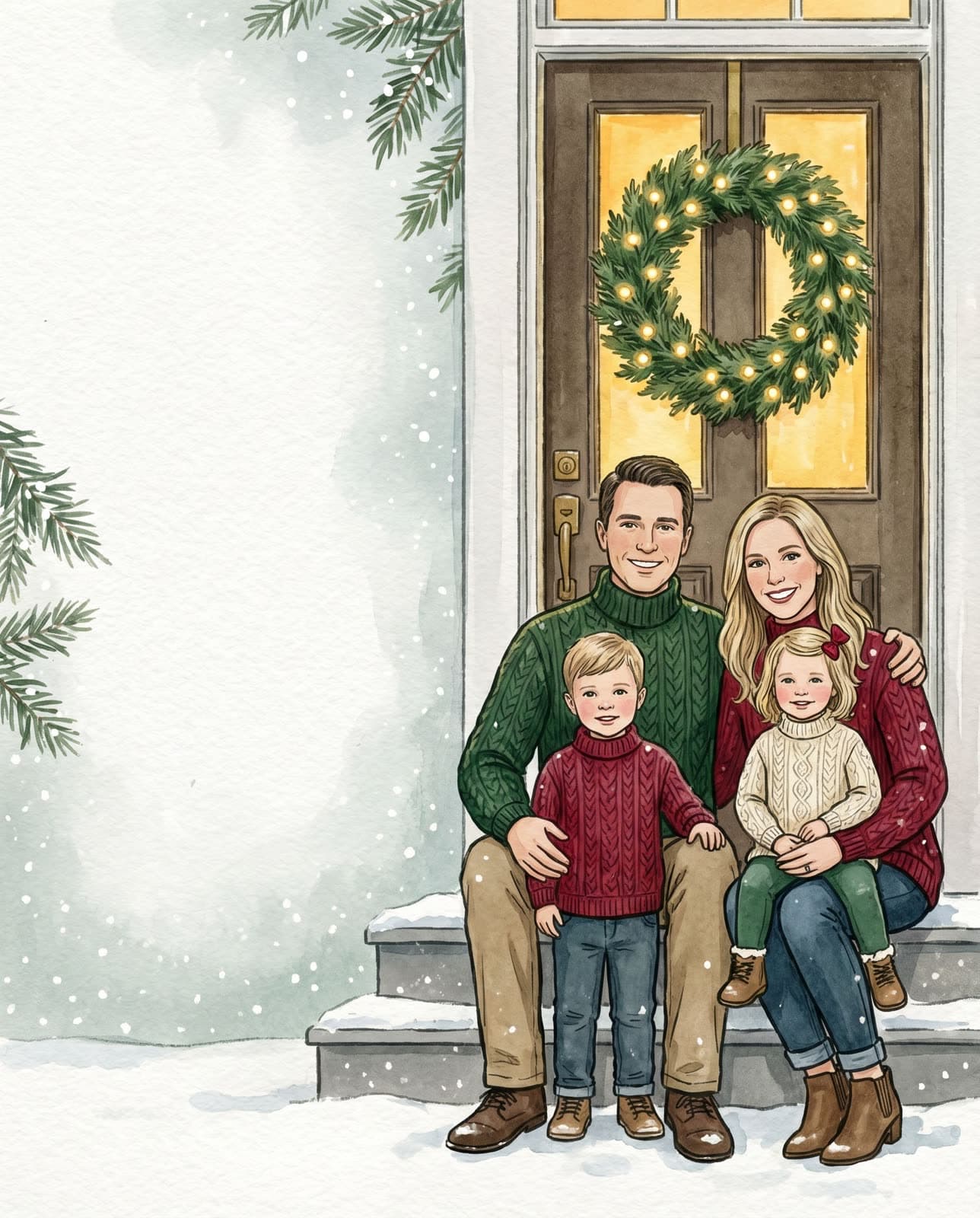
Frequently asked
- Can I preview my Birthday Invitation Card With Photo before paying?
- Yes. Start with a free watermarked preview. Unlock the high-resolution, print-ready card or invitation only if you like the result.
- Do all family members need to be in the same photo?
- No. Upload separate phone photos for each person or pet, and FamilyShoot composes the final portrait or card from those source photos.
- Can I use this as a card and a framed gift?
- Yes. The same generated keepsake can work as a digital share, printable card, or framed portrait after you unlock the high-resolution file.
Ready to make yours?
A few selfies in, a frame-worthy family portrait or card out. About two minutes.