


 01
01AI family photo generator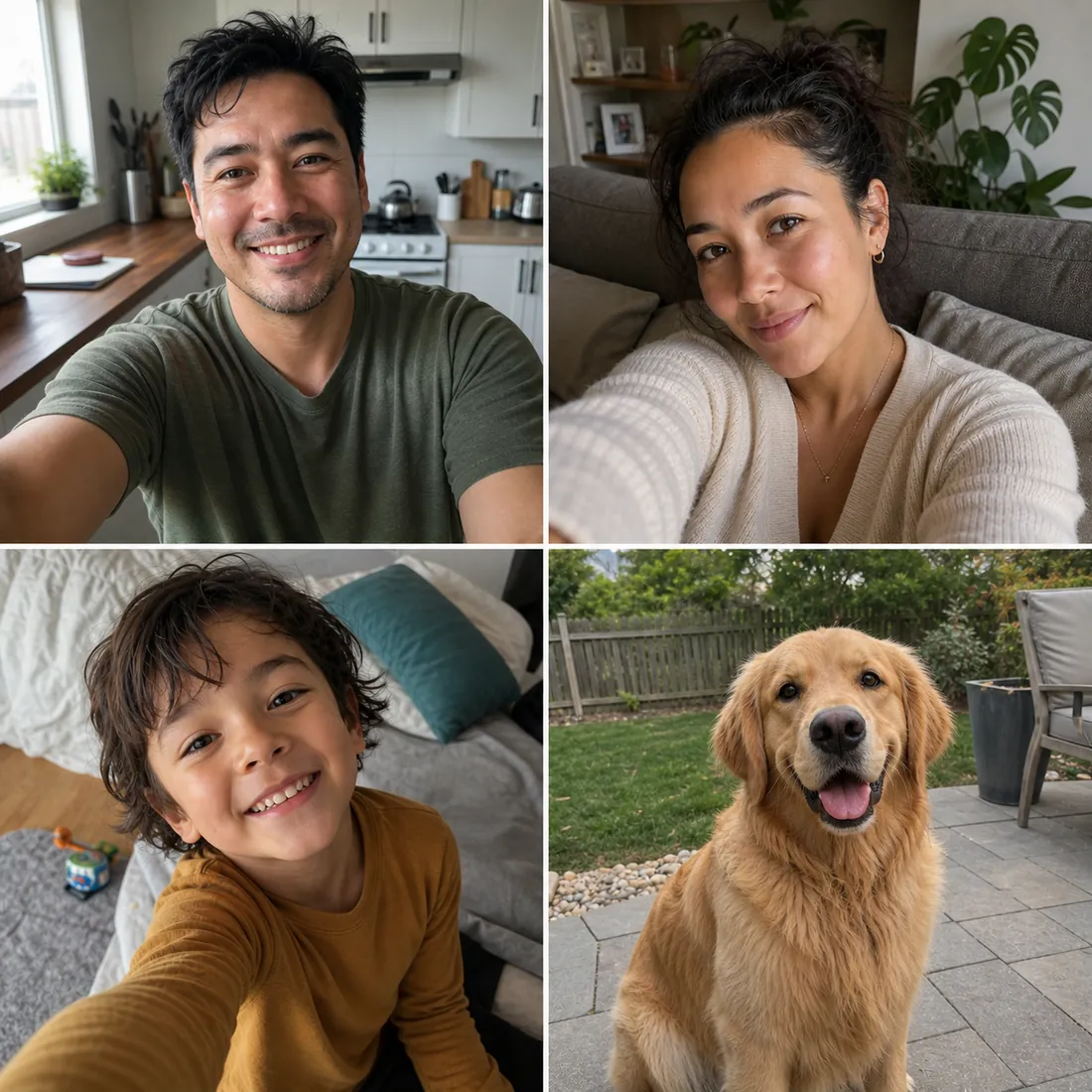
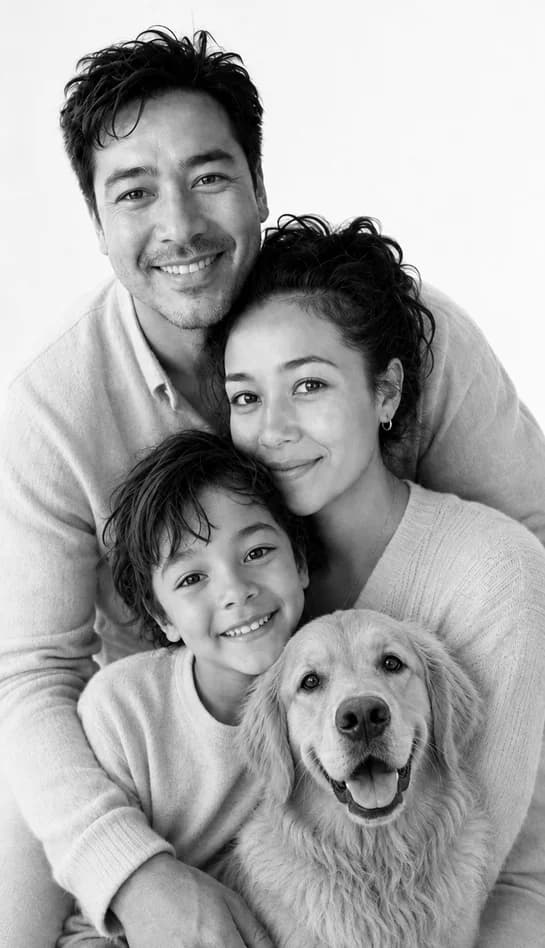
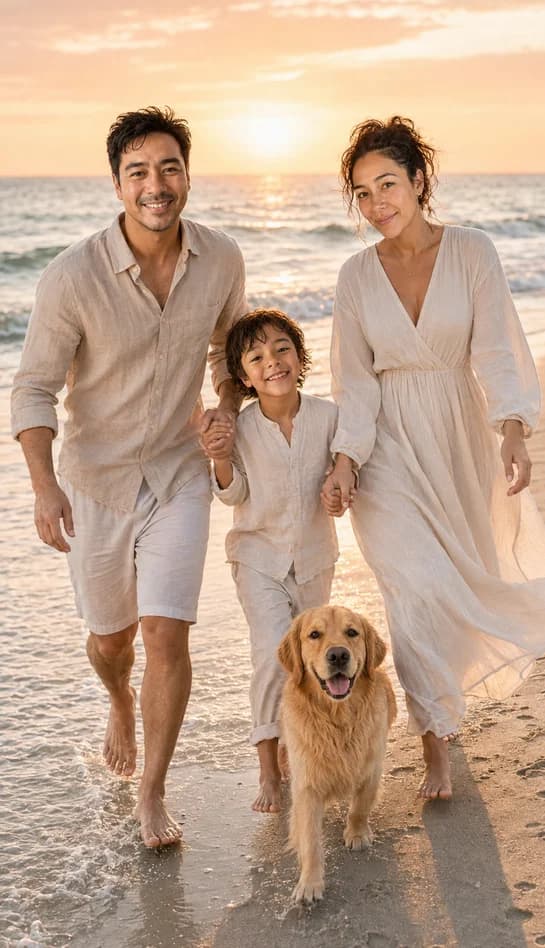
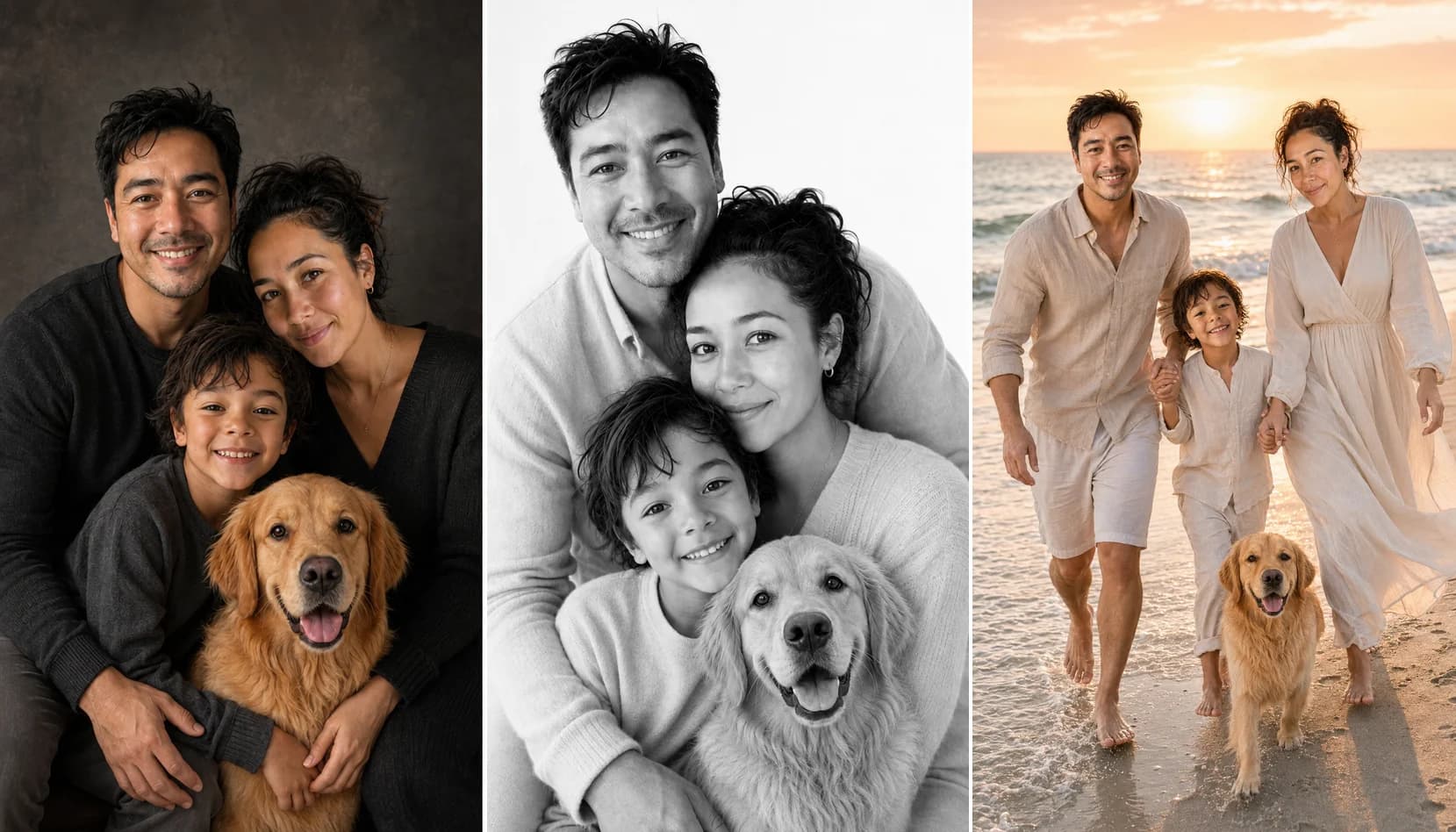
AI family portraitsfrom separate photos.
Bring parents, children and pets together in one new portrait. Upload a clear photo of each person or pet, choose a style, and try your first watermarked preview free.
What you have
Selfies and a pet photo
What you can make
Any FamilyShoot vibe
Selfies in. Portraits out.
Add photos first. Verify your email before generation. High-resolution downloads are paid.
"I sent my husband, who is serving overseas, a beautiful family portrait with all of us together. He called me crying."
"Every year I use it to create warm Christmas cards for my clients. It saves me a full weekend of work."
"My grandma never had one photo with all the grandkids and grandpa together. We made one for her, printed it, and she keeps it by her bed."
"We finally got a family portrait where nobody was blinking, running away, or making a weird face."
"The kids would never sit still for a studio shoot. This gave us the polished portrait without the chaos."
"I turned a handful of messy phone pictures into a holiday card that looked like we hired a professional photographer."
"Our family lives in three different countries. This made it feel like we were all in the same room again."
"I made matching seasonal portraits for my whole family in minutes, not weeks."
"The pet-friendly option is what sold me. Our dog finally made it into the family Christmas photo."
"I used it for gifts, cards, and framed prints. It turned random camera-roll photos into something emotional."
"I sent my husband, who is serving overseas, a beautiful family portrait with all of us together. He called me crying."
"Every year I use it to create warm Christmas cards for my clients. It saves me a full weekend of work."
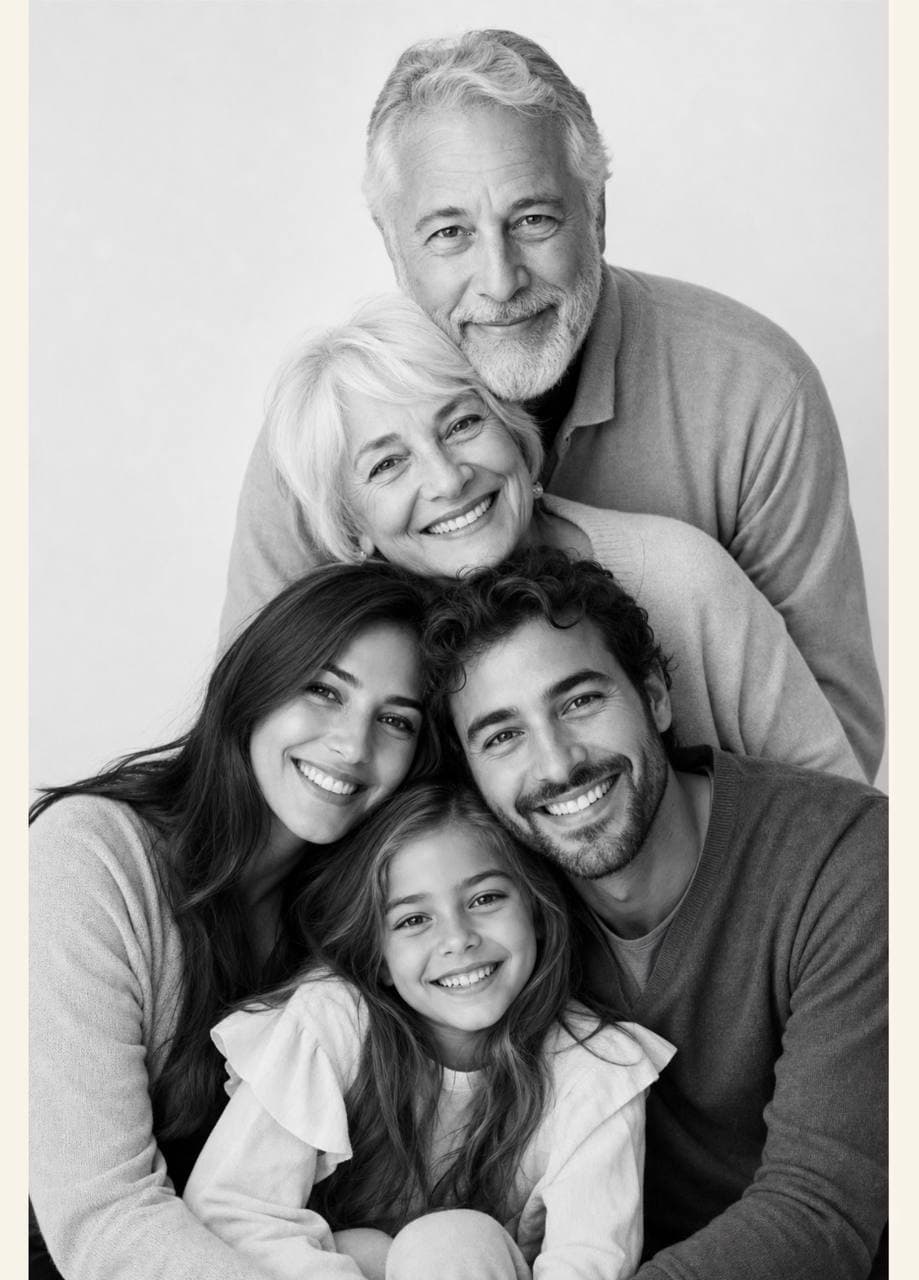
"My grandma never had one photo with all the grandkids and grandpa together. We made one for her, printed it, and she keeps it by her bed."
"We finally got a family portrait where nobody was blinking, running away, or making a weird face."
"The kids would never sit still for a studio shoot. This gave us the polished portrait without the chaos."
"I turned a handful of messy phone pictures into a holiday card that looked like we hired a professional photographer."
"Our family lives in three different countries. This made it feel like we were all in the same room again."
"I made matching seasonal portraits for my whole family in minutes, not weeks."
"The pet-friendly option is what sold me. Our dog finally made it into the family Christmas photo."
"I used it for gifts, cards, and framed prints. It turned random camera-roll photos into something emotional."
Family portrait from separate photosUpload everyone separately,
Upload everyone separately,
get one natural portrait.
A practical AI family photo combiner for real life: one parent has the kids, another has the pet, and nobody is looking at the same camera.
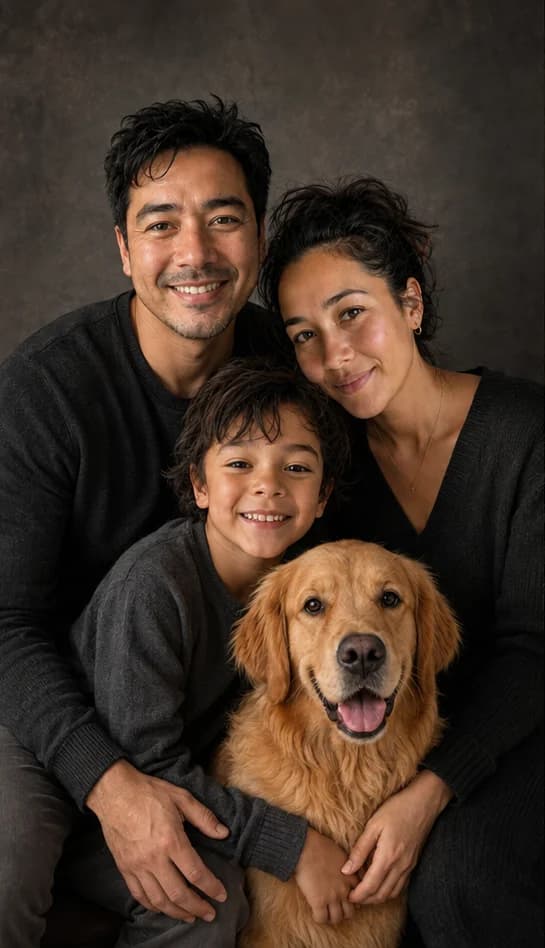
BeforeAfter
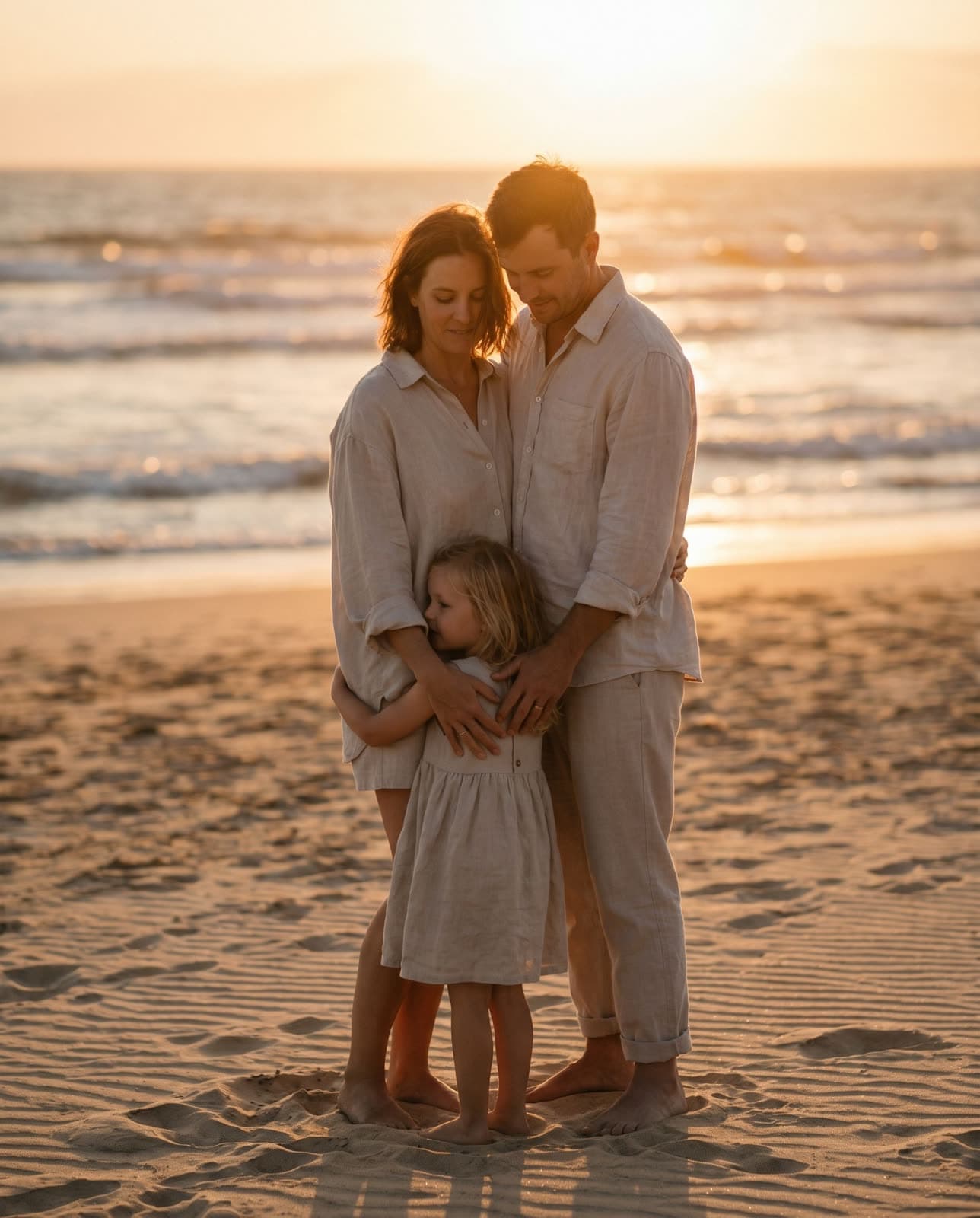
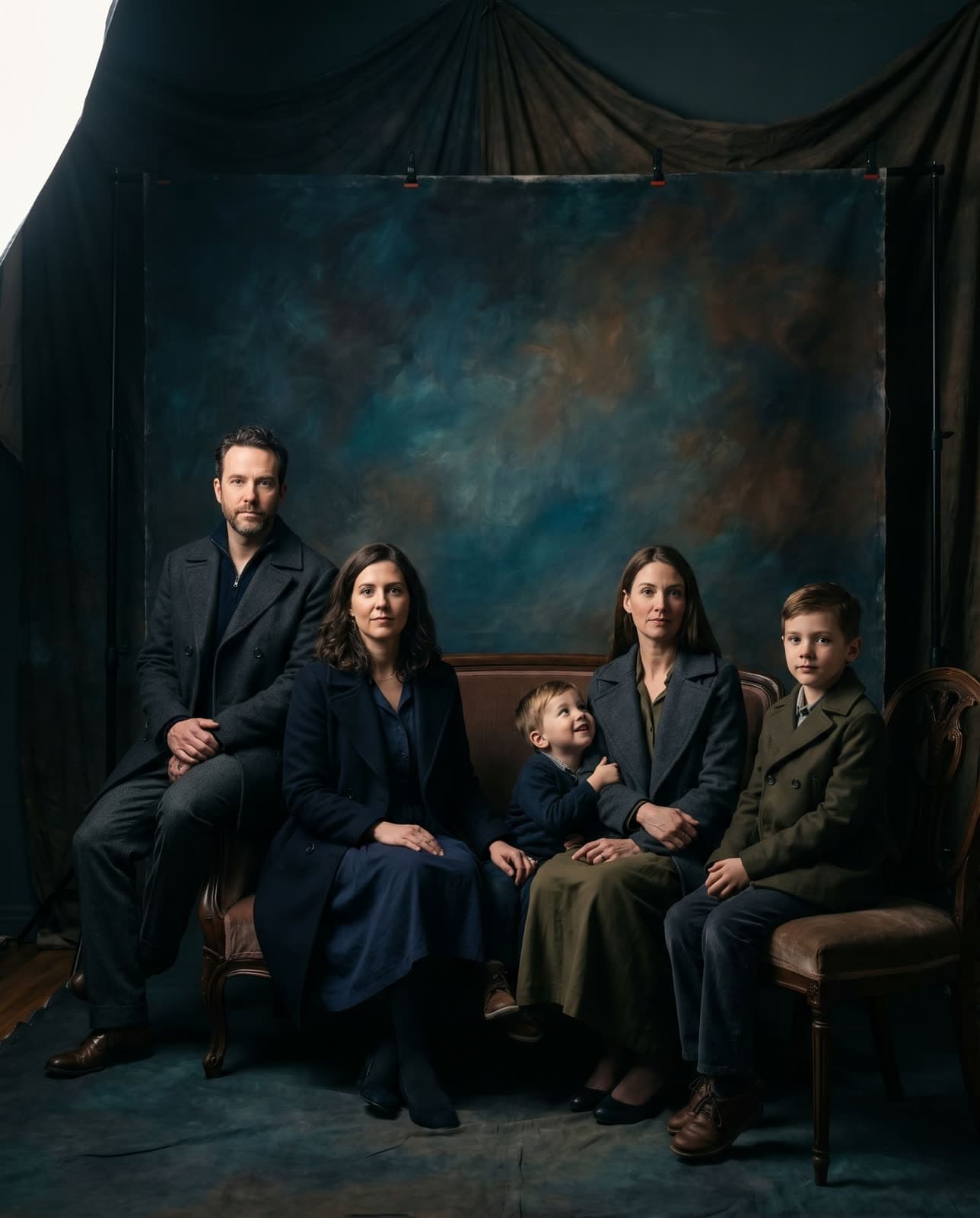
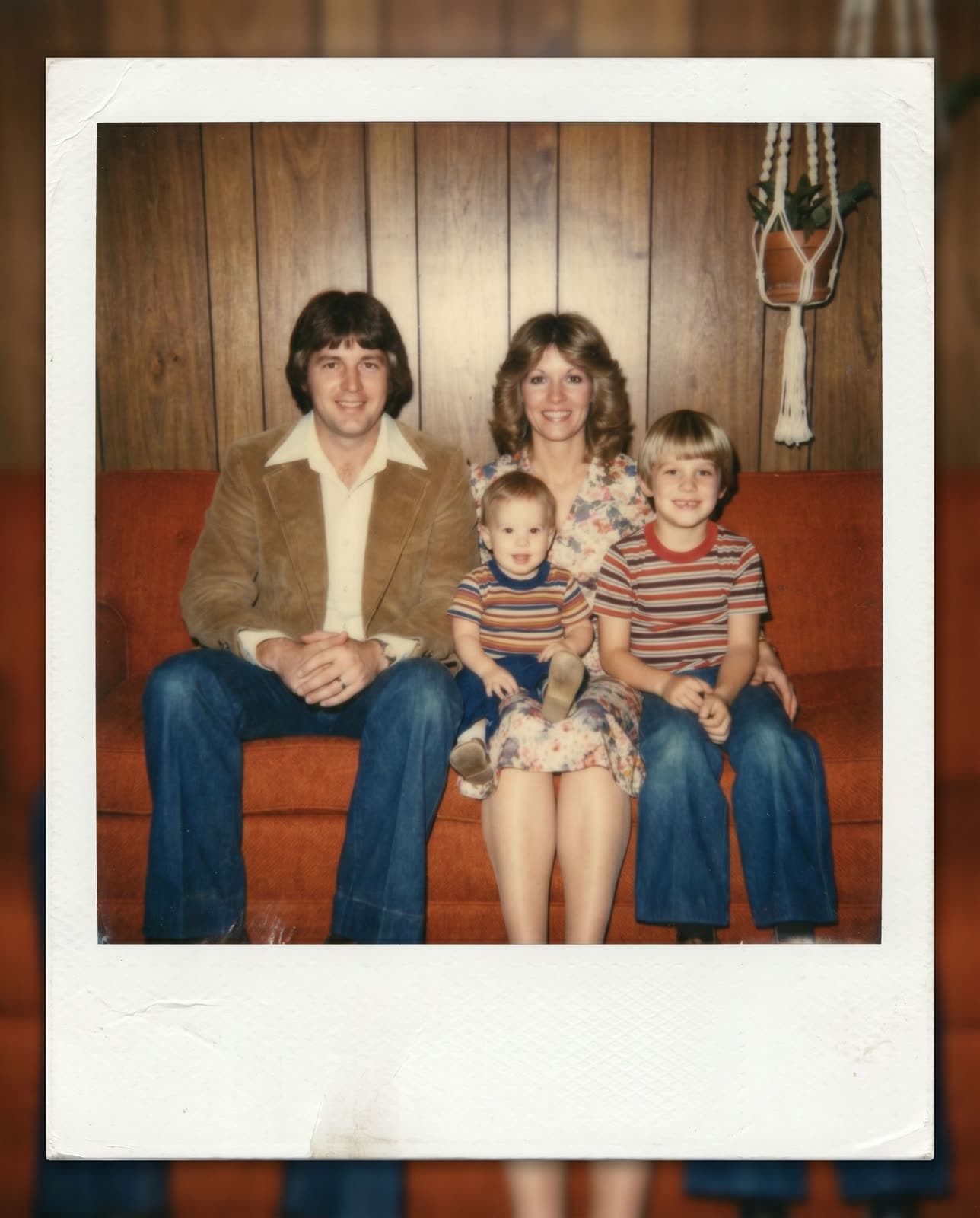
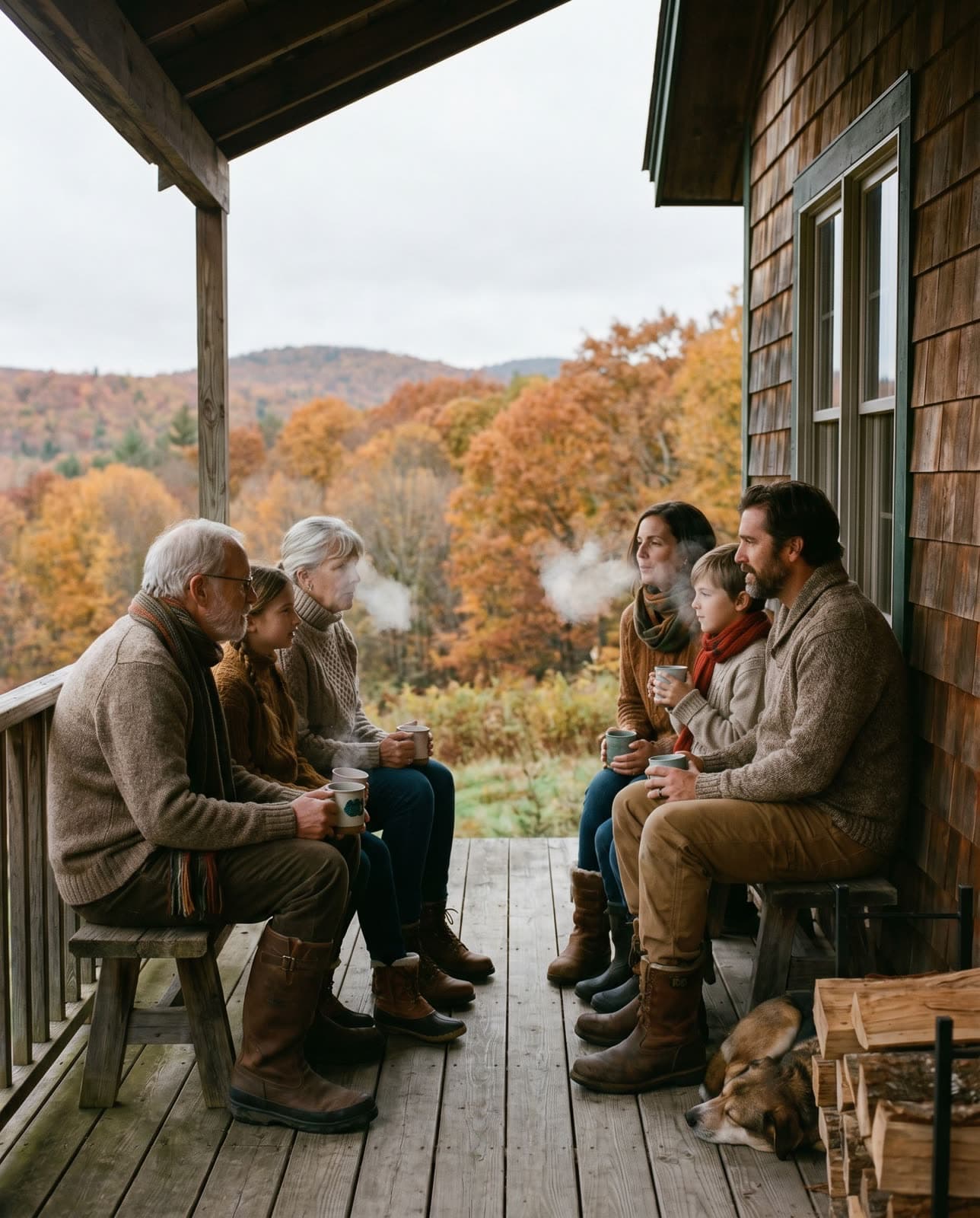
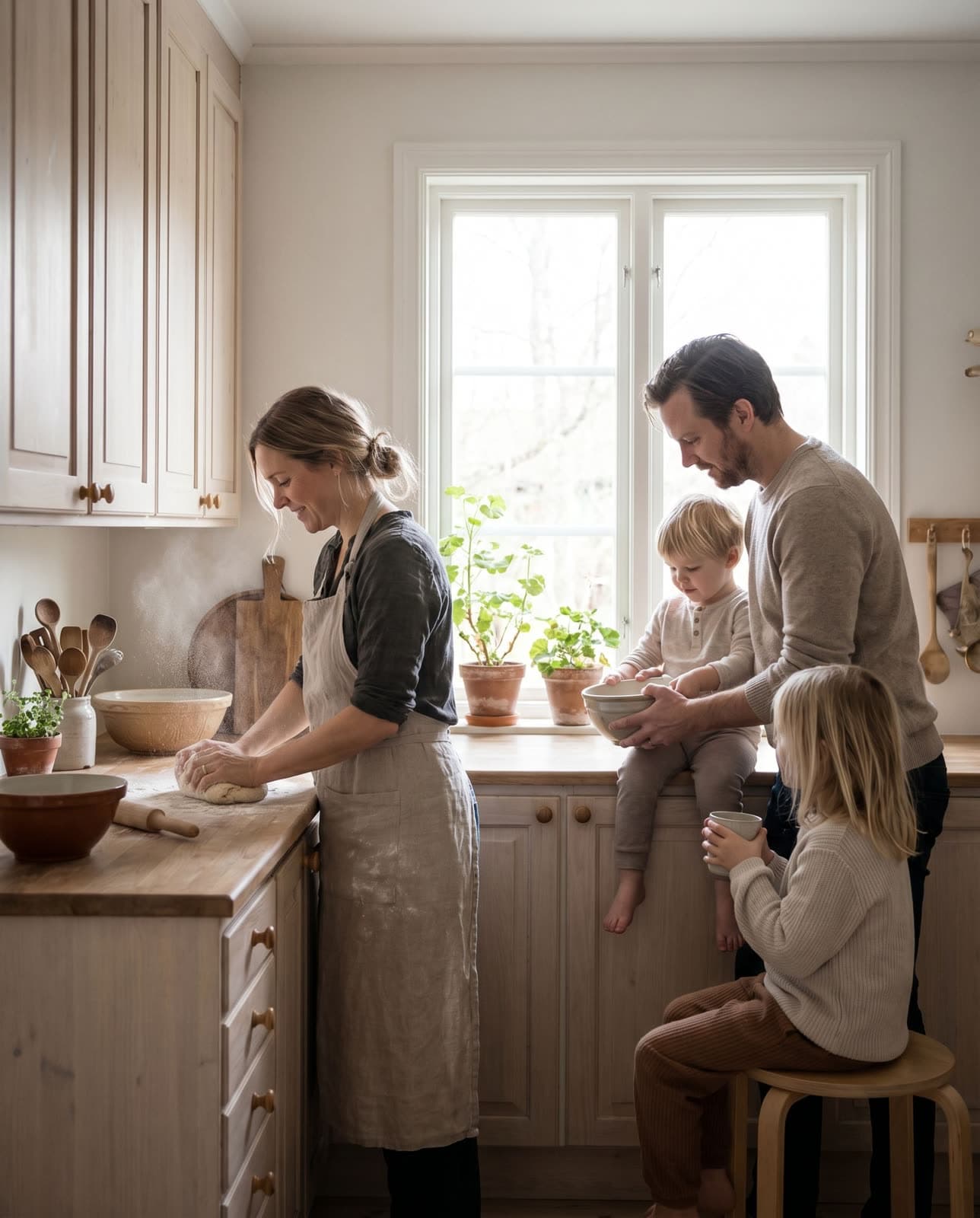
Wes Anderson symmetry — 4 uploads to one portrait
More to explore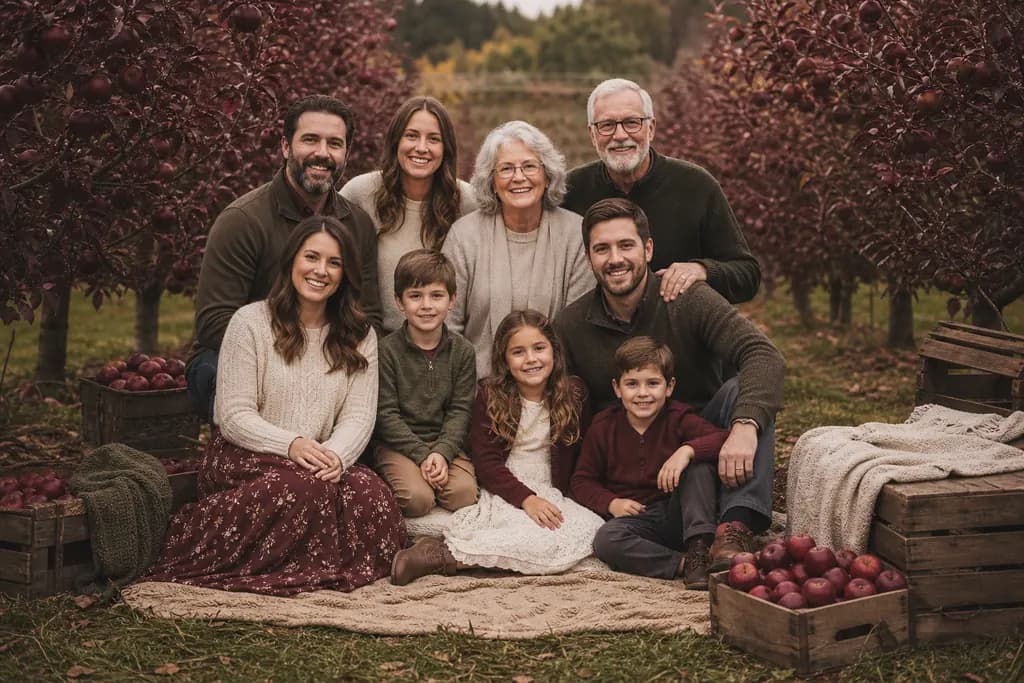
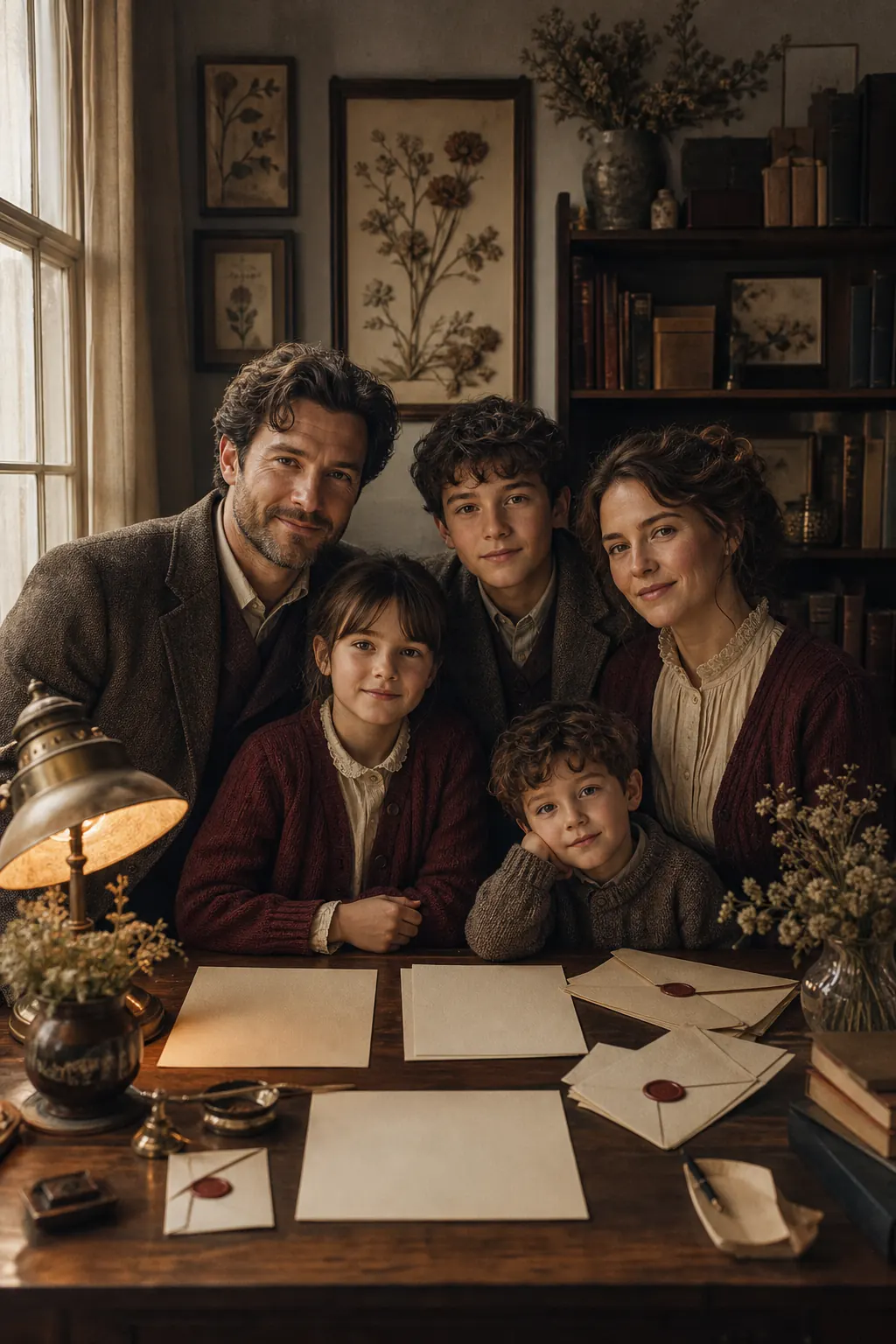
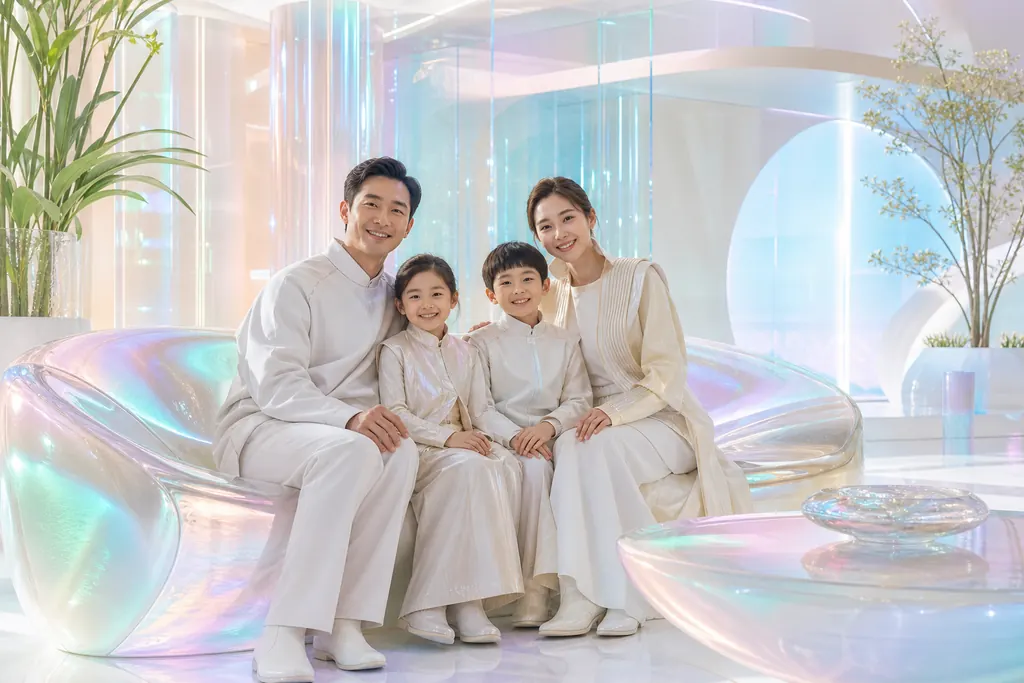
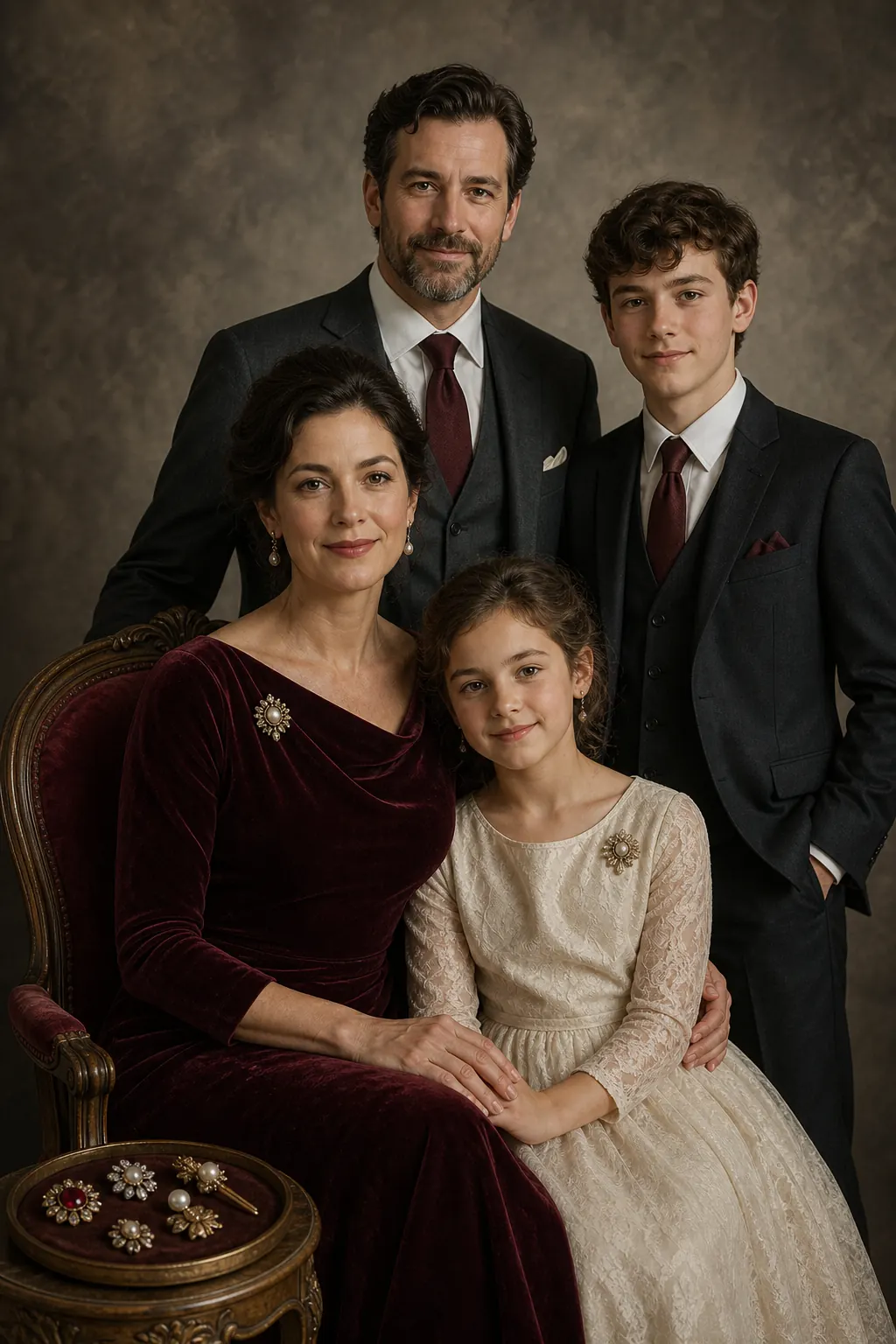
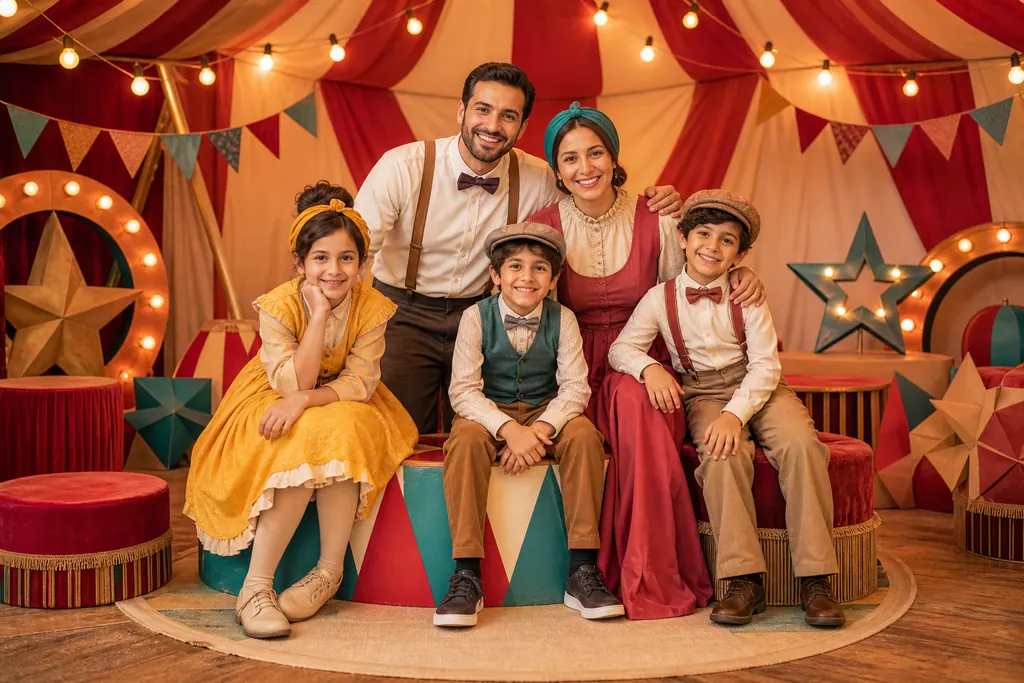
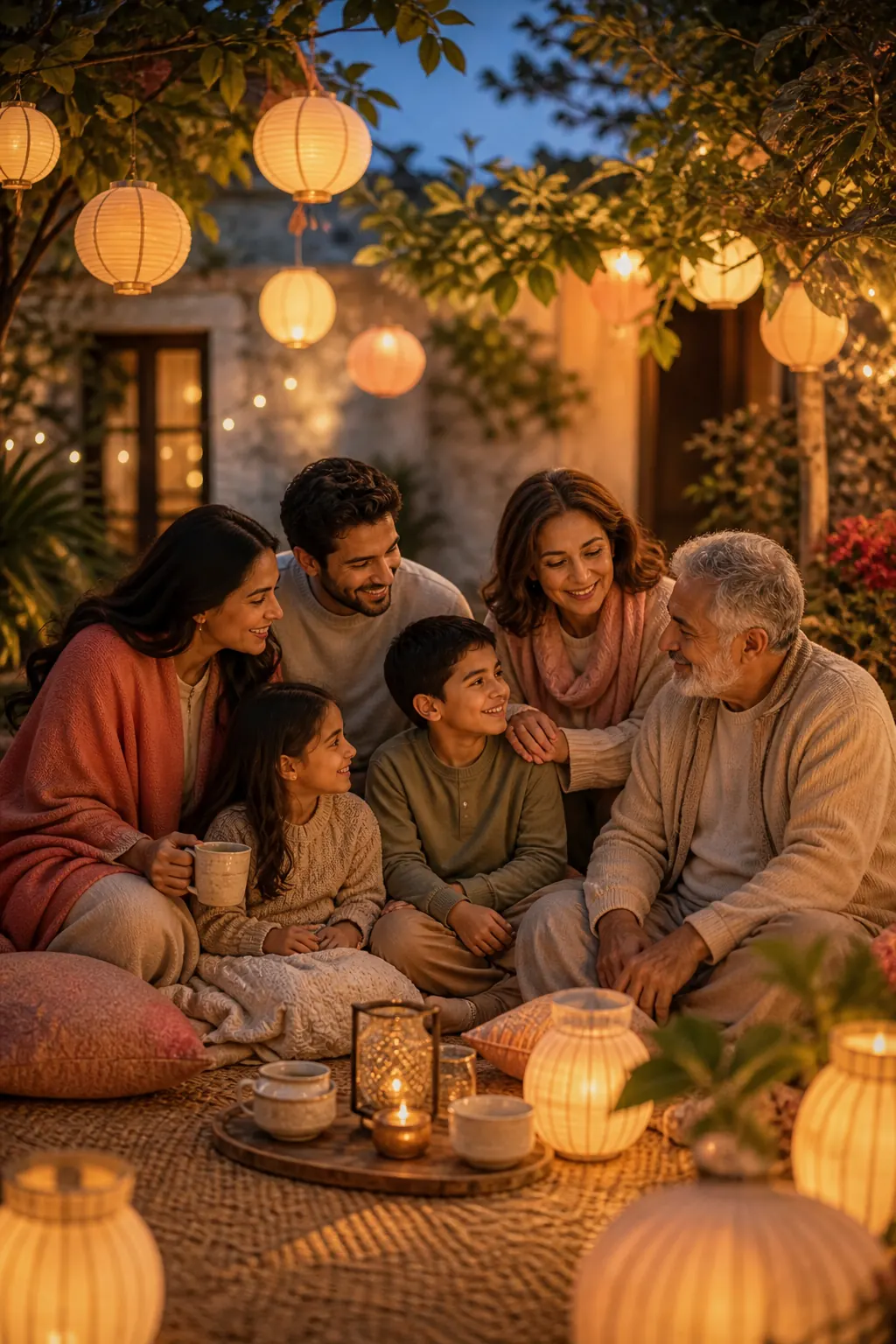
Find your family’s next look.
Discover 128 more portrait styles and cards, with our newest additions first. Search by setting, occasion or style.
Showing 6 of 128 looks
Printed keepsakes
Your favorite portrait, made real.
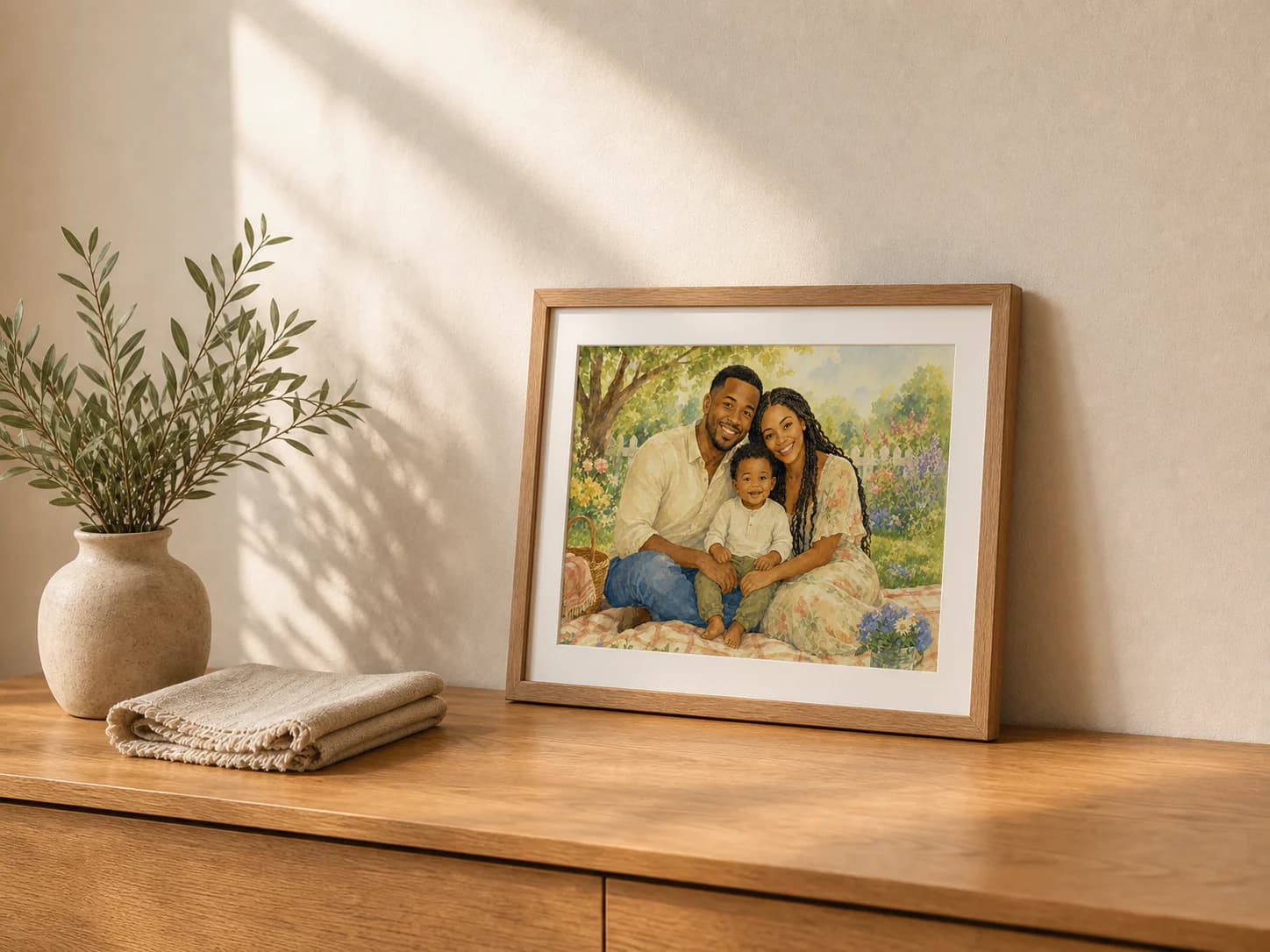
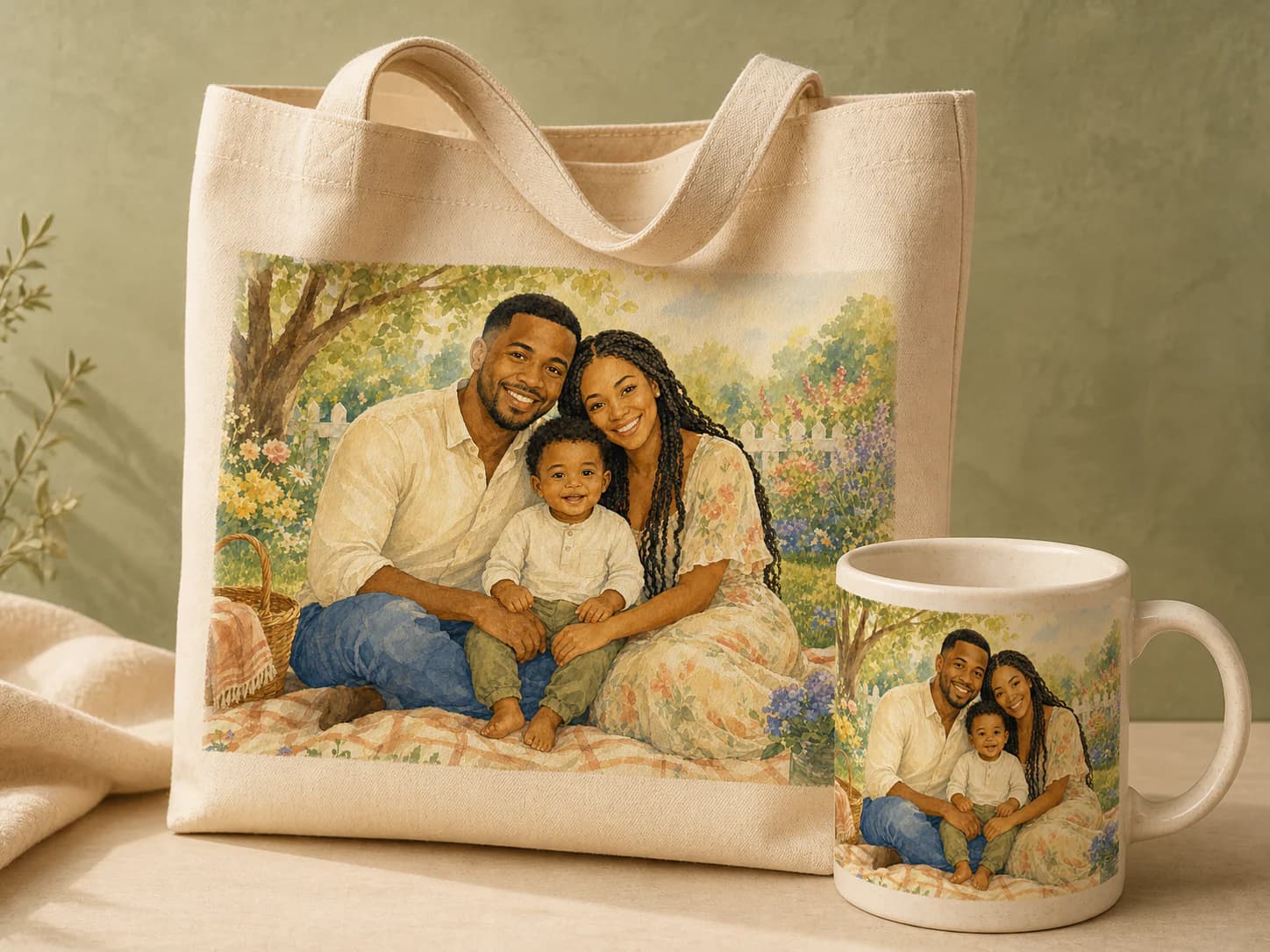
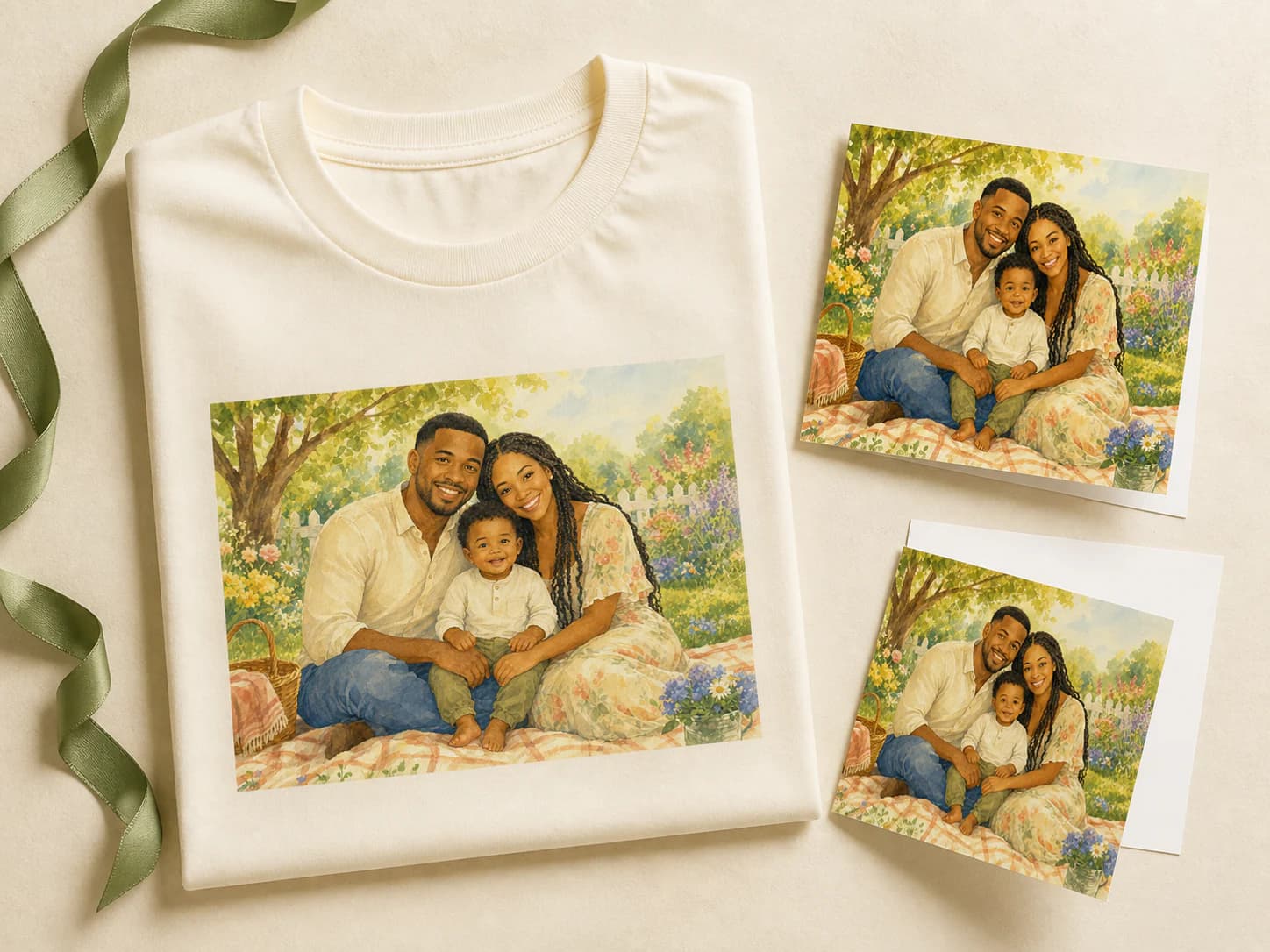
Once you have the portrait you love, save a shop-ready file and place it on framed art, mugs, totes, shirts, or greeting cards.
- Create itBring your family together in one portrait.
- Save your favoriteDownload the unlocked portrait as a print-ready file.
- Choose a keepsakeUpload it in our shop and choose what you want to make.
Create a free previewOur Printify-powered shop handles payment, printing, delivery, and order support. Prices are in USD.
AI family holiday card generator
Make a card from the photos you already have.
Create a holiday, Christmas, or greeting card from the photos you already have. No studio date, matching outfits, or perfect group shot required.
Make a free card previewChristmas Card
A card-ready portrait with a thoughtful serif greeting laid into the image.
Diwali Card
Diyas, marigolds, rangoli and warm gold light. A festive card for the festival of lights.
Nowruz Card
A bright haft-sin table, spring flowers, mirror, candles and a poetry book. Fresh, refined and joyful.
Hanukkah Card
A glowing menorah on a snow-dusted windowsill, the family lighting candles together. Cool blue dusk and warm flame.
Easter Card
Springtime card portrait — pastels, tulips, morning light.
Lunar New Year Card
Red-and-gold lanterns, dumplings on the table, the family in a moment of warmth. Space for a New Year greeting.
Eid Card
Morning light, lanterns, sweets and family gathered after prayer. Airy, joyful and refined.
Día de Muertos Card
Marigolds, candles and a glowing ofrenda. Reverent, colorful and made for family remembrance.
New Year's Card
Confetti, black-tie, a midnight toast. The year ahead looks cinematic.
Happy Birthday Card
A joyful birthday card with cake, streamers, warm candlelight and room for a greeting.
Anniversary Card
A romantic anniversary portrait with soft flowers, candlelight and elegant space for a message.
Mother's Day Card
A garden in full bloom, soft pastels and a tender airy portrait with room for a sweet note.
Occasion pages
Create portraits for every family occasion
Turn family photos into personalized portraits for birthdays, holidays, reunions, anniversaries, and gifts.
Last-minute birthday cardsTurn family, couple, kid, grandparent, or pet photos into a thoughtful birthday card idea.Father's DayMake Dad the family portrait he never gets to be in, generated from separate phone photos in minutes.Mother's DayCreate a Mother's Day portrait or card with the whole family included, even when the photos are scattered.Women's DayCelebrate mothers, grandmothers, sisters, daughters, and the women who hold the family together.Grandparents' DayMake Grandma and Grandpa a family portrait with everyone included, even relatives who live far away.Anniversary GiftCreate a personal anniversary portrait from favorite family photos, pets, kids, and memories.Family ReunionCreate an extended-family portrait when everyone cannot make it into the same room at the same time.
Father's Day portraits
Make Dad the family portrait he never gets to be in.
Upload separate phone photos of the kids, parents, grandparents, or pets. Get a polished Father's Day portrait or card in about two minutes.
Create a Father's Day portraitFree watermarked preview first.

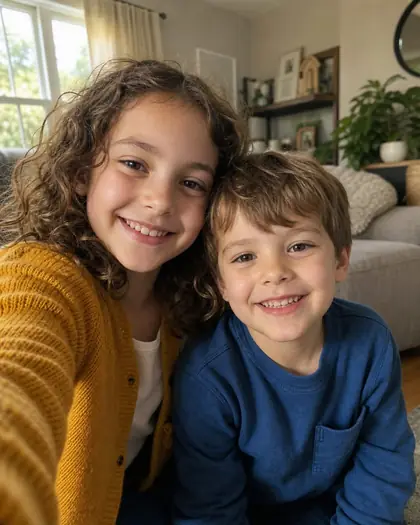

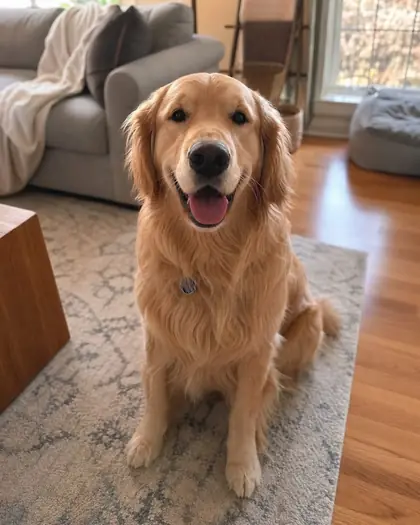
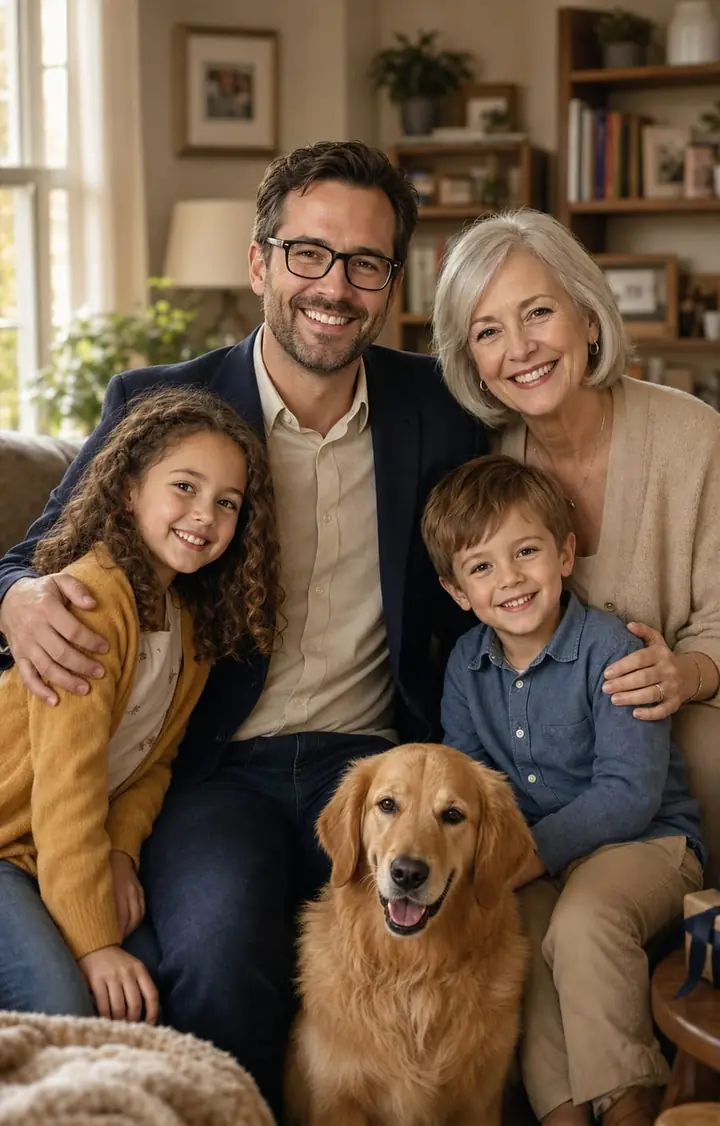
Father's Day card
One polished keepsake portrait.
How it works
Three steps. About two minutes.
Simple enough for a toddler's nap-time. Polished enough to frame.
- selfie_01.jpgselfie_02.jpg3 selfies uploadedselfie_03.jpgStep 01
My Family
Upload reference photos of the adults, children, and selected pets. We use them as visual guides so each portrait stays close to the people you love.
- Moodboard lockedStep 02
Pick a vibe
Choose a theme such as Golden Hour Beach, an autumn cabin, a studio portrait, or an animated family. You choose the feeling; we handle the rest.
- Final portrait ready
Print-ready pick
Step 03Yours to keep
Rate the images with thumbs up or down, refine anything that is not quite right, then print, frame, or add the result to a card.
On privacy
Your family is yours. Full stop.
Only for your shoot
Your uploads are used to create the portraits, cards, refinements, and downloads you request. We do not use them to train FamilyShoot.
Easy to remove
You can delete reference photos and finished images from your studio wherever the app offers a delete action.
Not stored forever
Images remain available for 14 days on one-time packs or 90 days on Pro. Inactive accounts with no shoots left may be cleared after a reminder email.
Gift credits
Send a photo shoot to someone you love.
Buy credits for a parent, partner, grandparent, or friend. We create a private gift code and link so you can share it by text, email, or card.
Shareable link
FamilyShoot gift
3
photo shoots
FS-GIFT-READYA portrait gift for the people who are impossible to shop for.
1Choose a packPick one, three, or eight photo shoots and select Buy as gift.
2Copy the linkAfter checkout, the gift code and redeem link stay on your Gifts page.
3They redeem itYour loved one signs in, opens the link, and adds the shoots to their account.
Free preview, paid keepsakes
Pay for what fits your family.
Try it before paying
Start with a free preview.
Create your first family portrait as a watermarked preview. If it looks right, unlock the high-res print-ready version.
No payment needed to preview.
Family Snap
$5
A quick set for one moment. Your first photo set can start as a watermarked preview.
- 4 high-res photos or cards
- Print-ready files
Most Popular
Family Album
$12
Best for portraits and cards. Your first photo set can start as a watermarked preview.
- 24 high-res professional photos
- Portraits and occasion cards
- Downloadable, print-ready files
Family Collection
$25
For holidays and family sets. Your first photo set can start as a watermarked preview.
- 60 high-res professional photos or cards
- Portraits and occasion cards
- Downloadable, print-ready files
Pro
Family Shoot Pro
$39per month
Built for creators, photographers, and repeat family-card work.
- 25 shoots/month, creating 100 high-res photos or cards
- Portraits, cards, invitations, and seasonal moments
- Downloadable, print-ready files
- Priority access to new styles and templates
FAQ
A few careful details before you start.
What is an AI family photo generator?
It creates a finished family portrait from everyday photos you already have. FamilyShoot uses your uploads as visual references, then turns them into a polished portrait, illustration, or card.
Can I make a family portrait from separate photos?
Yes. Upload separate photos of each person, child, or selected pet, and FamilyShoot combines them into one natural family portrait.
Why do some images not look exactly like us?
AI creates a new picture instead of copying faces. Clear, front-facing reference photos with shoulders or full body visible produce the best likeness.
What kind of reference photo works best?
Use a clear, well-lit photo facing the camera with at least the shoulders visible. Full-body photos also help with height, build, and posture.
Can I add a pet or someone missing from the original photo?
Yes. Add them to My Family with their own reference photos, then include them in the shoot.
Can I make holiday or Christmas cards?
Yes. FamilyShoot includes styles for Christmas, Hanukkah, Diwali, Eid, Lunar New Year, Easter, birthdays, new babies, graduations, and more.
Do I pay before seeing the result?
No. Create a watermarked preview first and pay only if you want the high-resolution files.
Can I try it for free?
Yes. Your first shoot can be created as a watermarked preview. Buy credits only if you want to unlock it.
Can I buy FamilyShoot credits as a gift?
Yes. Choose Buy as gift on a one-time pack and receive a private gift code and redeem link.
Do you email the gift code to the recipient?
Not automatically. The buyer copies the code or link and shares it directly by text, email, or card.
How does someone redeem a gift code?
They sign in, open the redeem link or enter the code on the Gift credits page, and the shoots are added to their account.
Can I get a refund after a shoot is created?
Paid shoots cannot be refunded after generation has run. If something breaks or the shoot fails, contact us and we will help.
How long are my photos stored?
Photos are kept for 14 days on one-time packs and 90 days on FamilyShoot Pro.
What happens to inactive accounts?
Accounts with no shoots left may be removed after 30 inactive days. We send a reminder first.
Do you use my photos to train AI models?
We do not use your photos to train FamilyShoot. They are processed only to create the images and downloads you request.
Can I delete something sooner?
Yes. You can remove reference photos and finished images wherever the studio offers a delete action.