Little Boo Pastel Halloween family portraits from your phone photos
Create a pastel halloween family portrait from the phone photos you already have. Add a clear reference photo for each person or pet, choose Little Boo Pastel Halloween, and see them together in a new portrait. Try a free watermarked preview on your first shoot, then unlock the high-resolution files for downloading and printing.
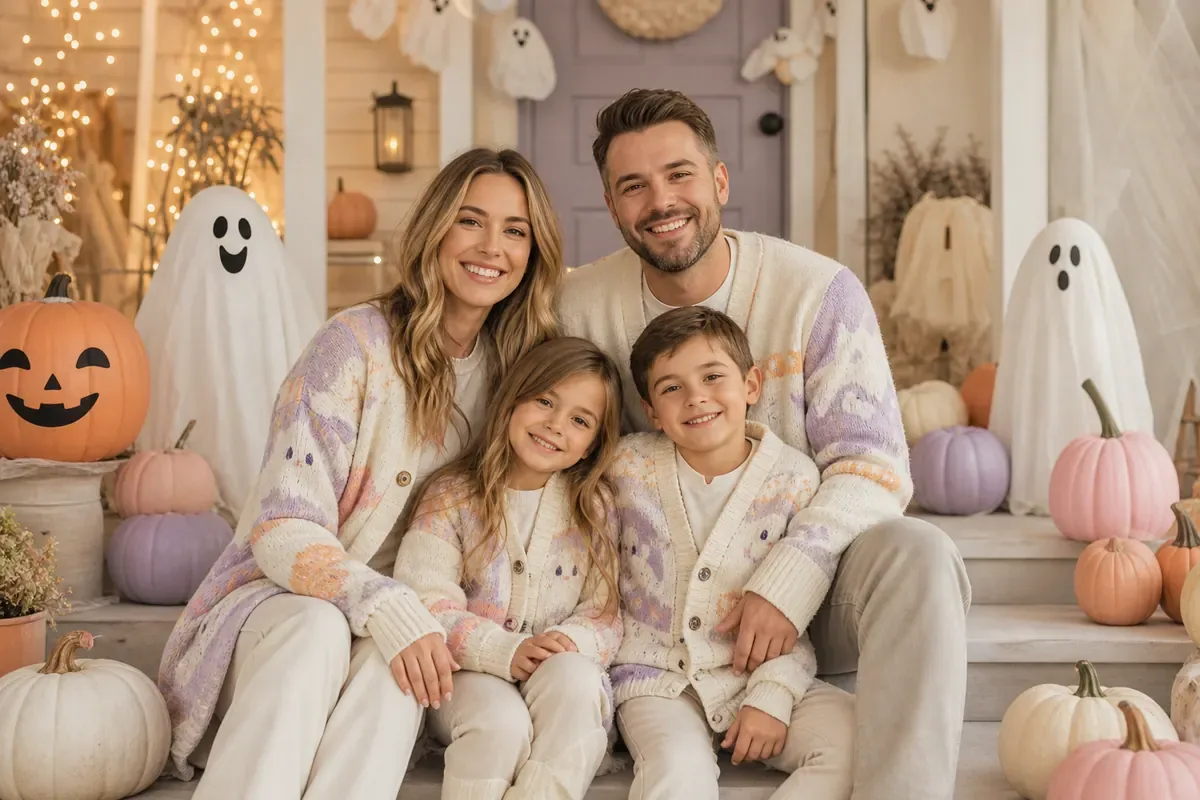
What is a Little Boo Pastel Halloween family portrait?
A pastel halloween family portrait brings your selected family members into a new scene with the colors, lighting, and atmosphere of Little Boo Pastel Halloween. FamilyShoot uses each person's or pet's uploaded photos as visual references; everyone can come from a different picture.
Choose clear photos, check each face in the result, and unlock the high-resolution file when you are happy with it. You can then download it for sharing or upload it to a print provider for a card or framed keepsake.
Related styles you might love
More from Cards
Browse all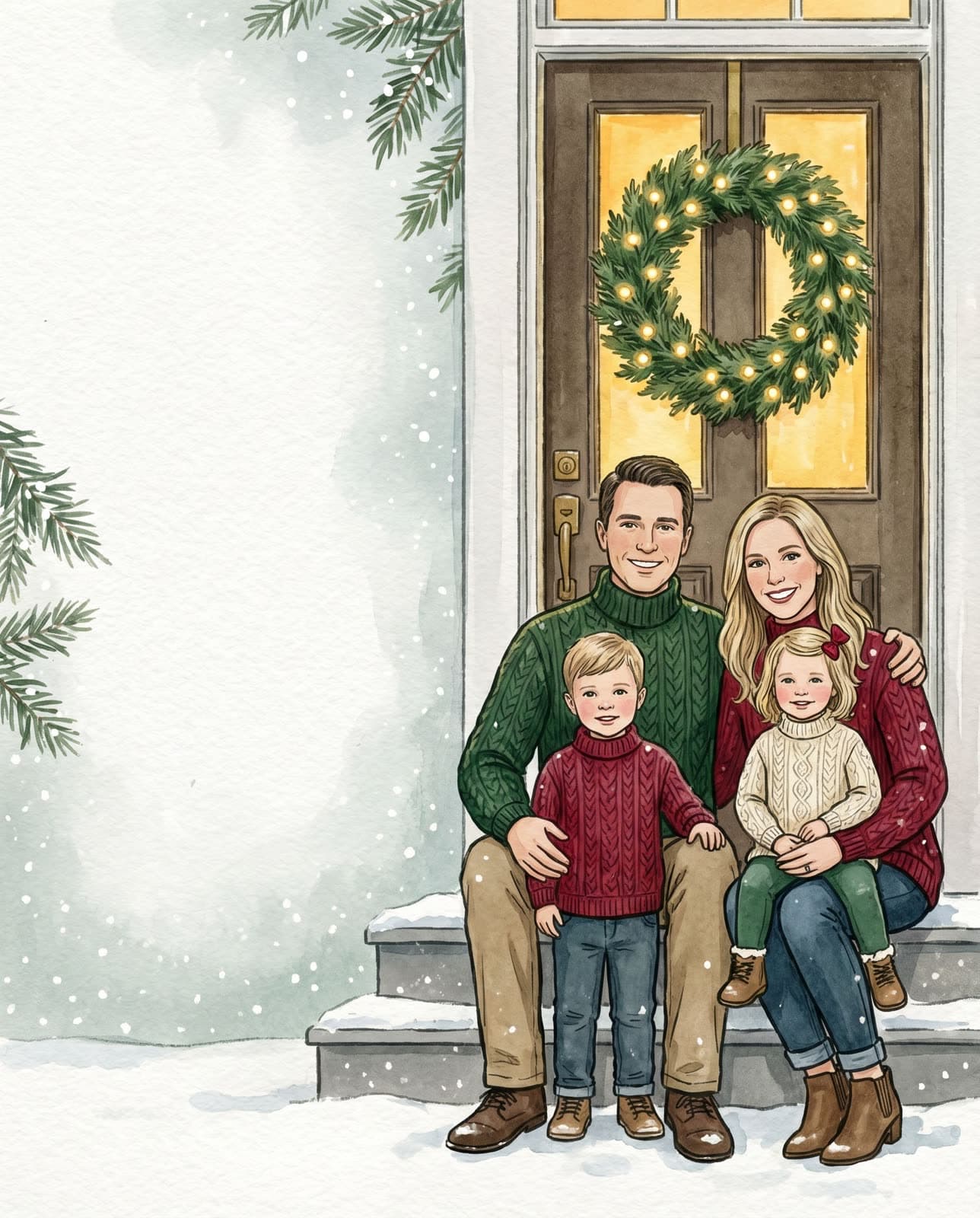
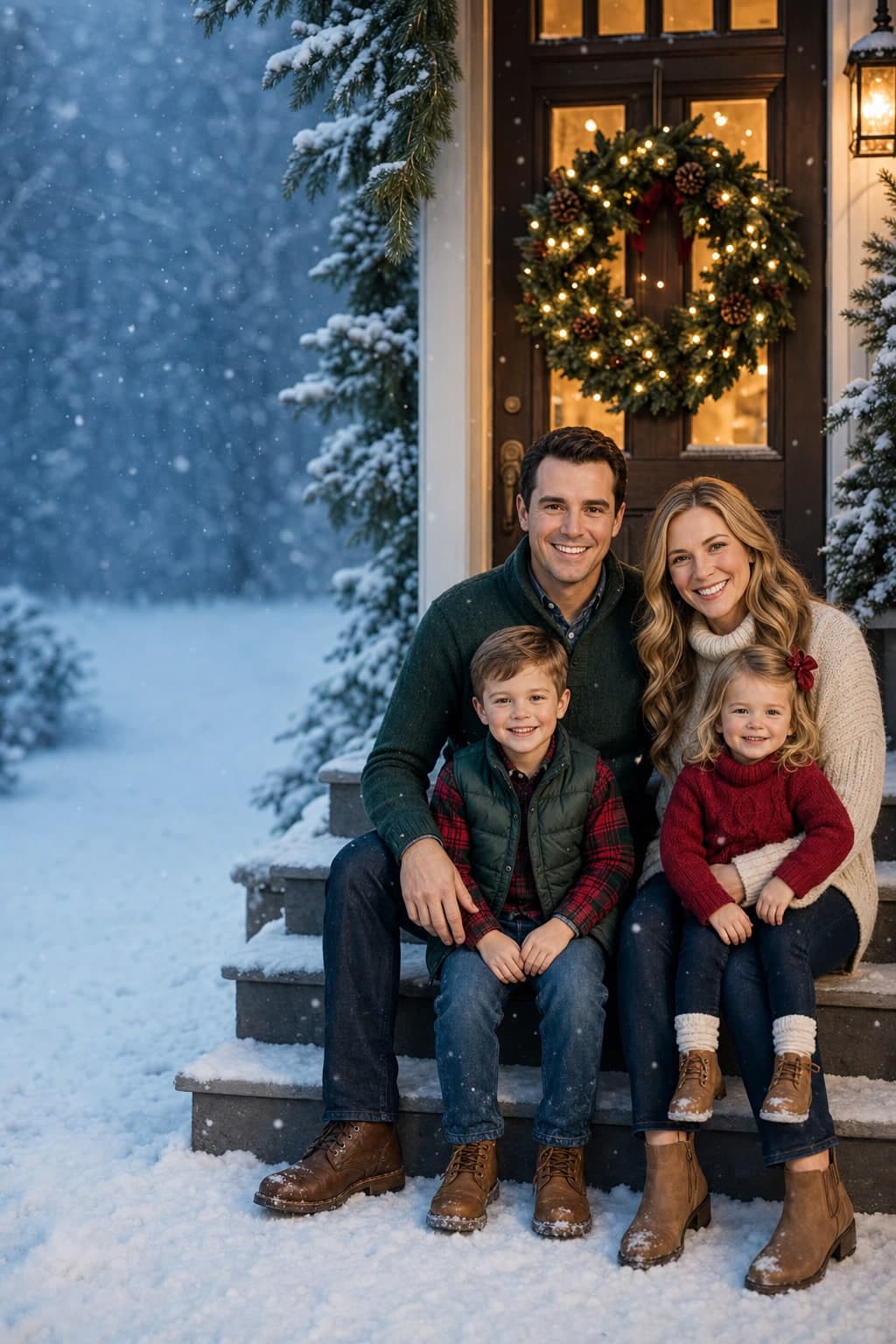
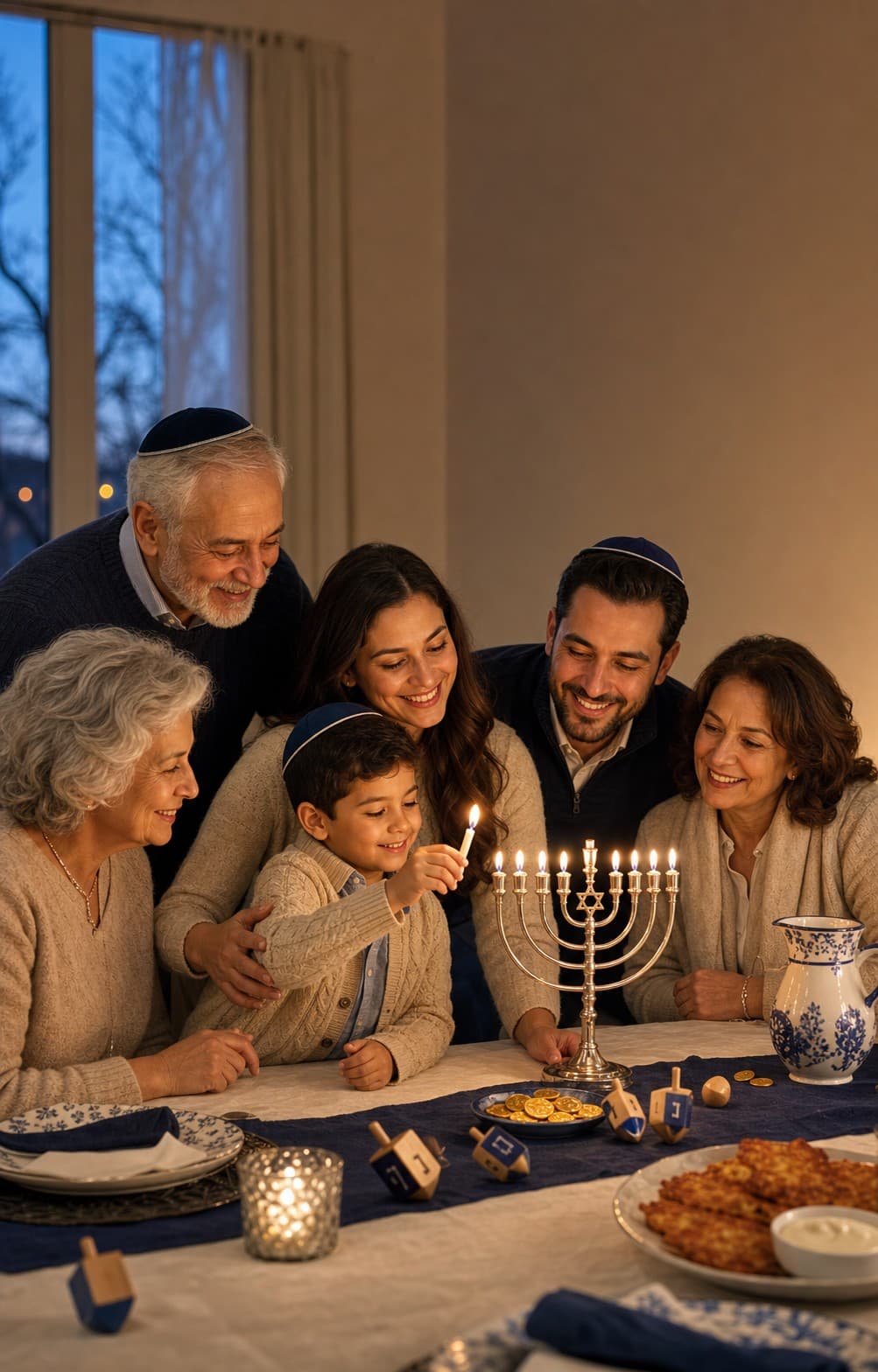
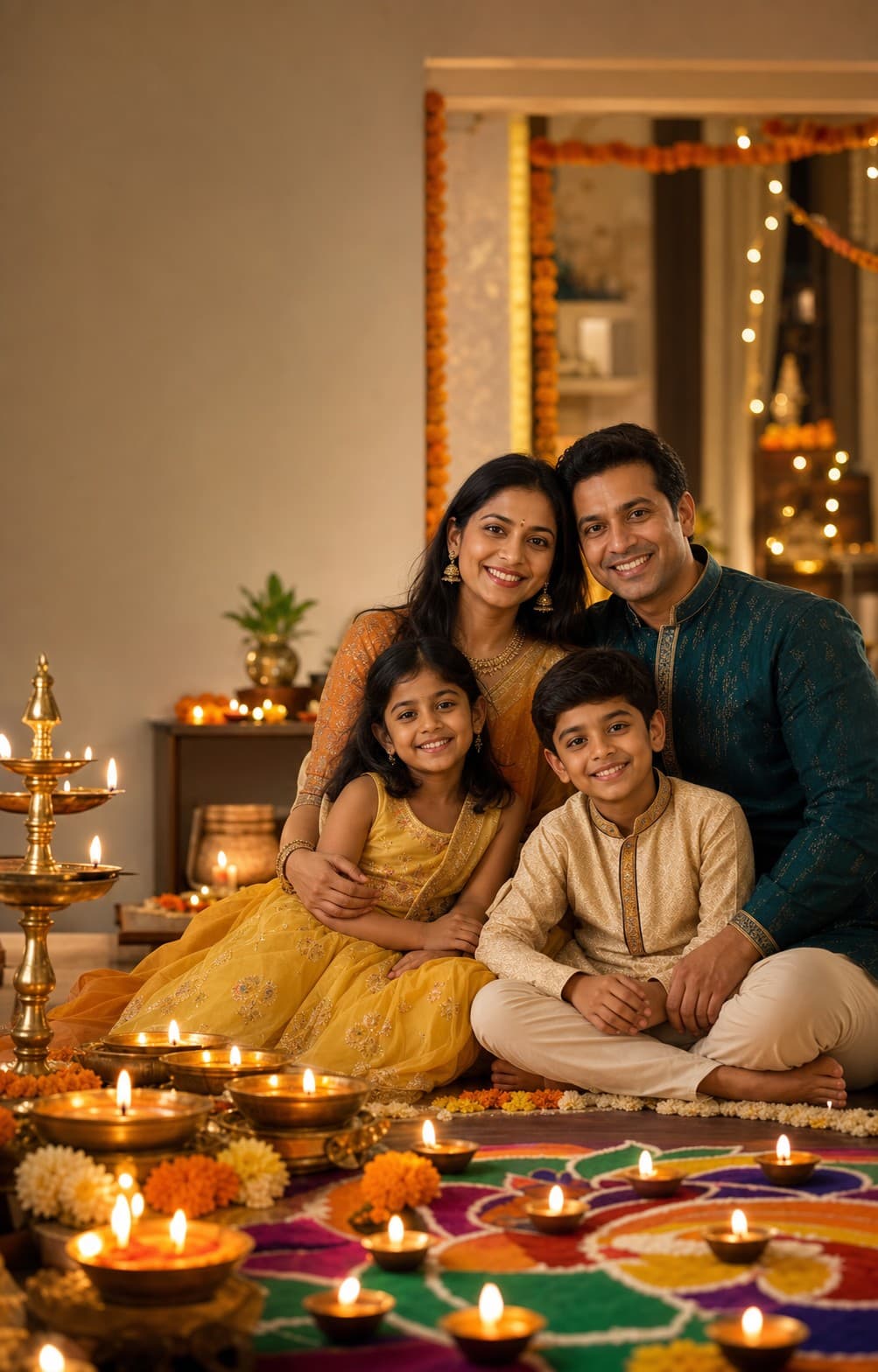
Frequently asked
- How do I make a Little Boo Pastel Halloween family portrait from my photos?
- Add at least one clear, well-lit reference photo for each person or pet in My Family, then choose Little Boo Pastel Halloween. FamilyShoot uses those photos as visual guides to create a new portrait. Your first shoot can start as a free watermarked preview; unlock the high-resolution files if you like the result.
- Do I need a professional little boo pastel halloween photo to start?
- No. A clear phone photo is enough to start. For people, choose a front-facing photo with at least the shoulders visible; a full-body photo can also help with height and posture. Everyone can come from a separate photo.
- Does FamilyShoot edit an existing group photo or create a new portrait?
- It creates a new Little Boo Pastel Halloween portrait from your reference photos. People and pets can come from separate pictures. The lighting, clothing, setting, and poses are generated, so check each person's likeness in the preview.
- Can I print a Little Boo Pastel Halloween family portrait or order a card with it?
- After unlocking a portrait, download the high-resolution file for printing. You can upload it to our Printify-powered shop for available keepsakes or use a printer of your choice. Physical products are ordered and paid for separately from your FamilyShoot shoot.
- Is my family photo data private?
- We do not use your photos to train FamilyShoot. Your uploads are processed to create the portraits, cards, refinements, and downloads you request, including processing by our image-generation providers. You can remove reference photos and finished images through the delete options in your studio.
Ready to make yours?
A few selfies in, a frame-worthy family portrait or card out. About two minutes.