Create the family reunion photo even when everyone is not there
Bring relatives from different phones, cities, and years into one polished family portrait. Preview it free before unlocking the print-ready version.
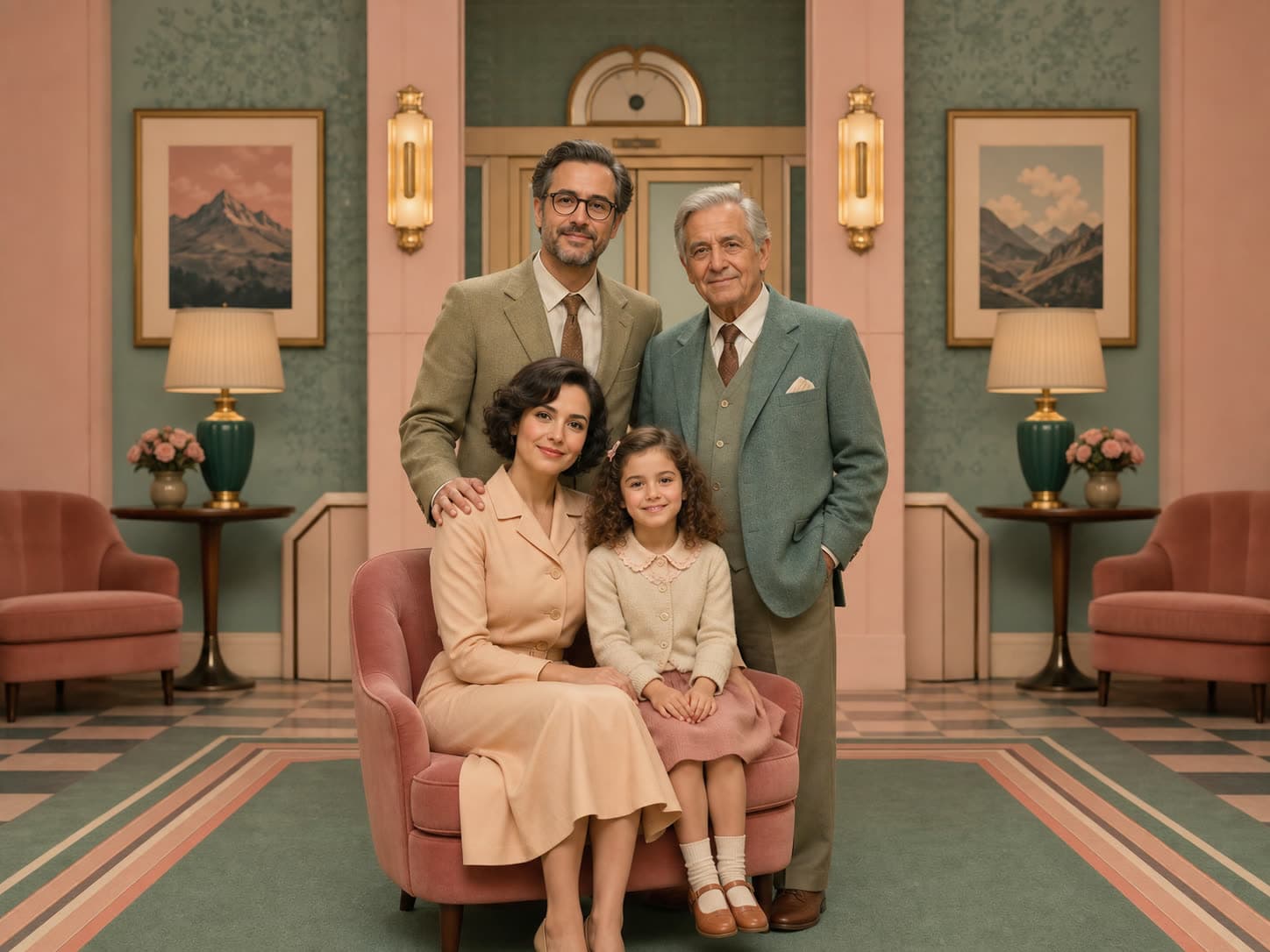
Make a reunion keepsake from separate family photos
Include a relative who missed the reunion or create a portrait of cousins who live in different cities. Add each person's clear reference photo to My Family, then select up to eight people or pets for one shoot. For a larger extended family, create several portraits of smaller groups; five or fewer subjects usually gives more consistent results.
Choose a shared style for your reunion keepsakes and inspect every face in the preview. AI creates a new scene from your references, so the result is a personalized portrait rather than a record of the event. Your first shoot can be a free watermarked preview, with high-resolution downloads available after a paid unlock.
Related occasions and gift pages
More from Cards
Browse all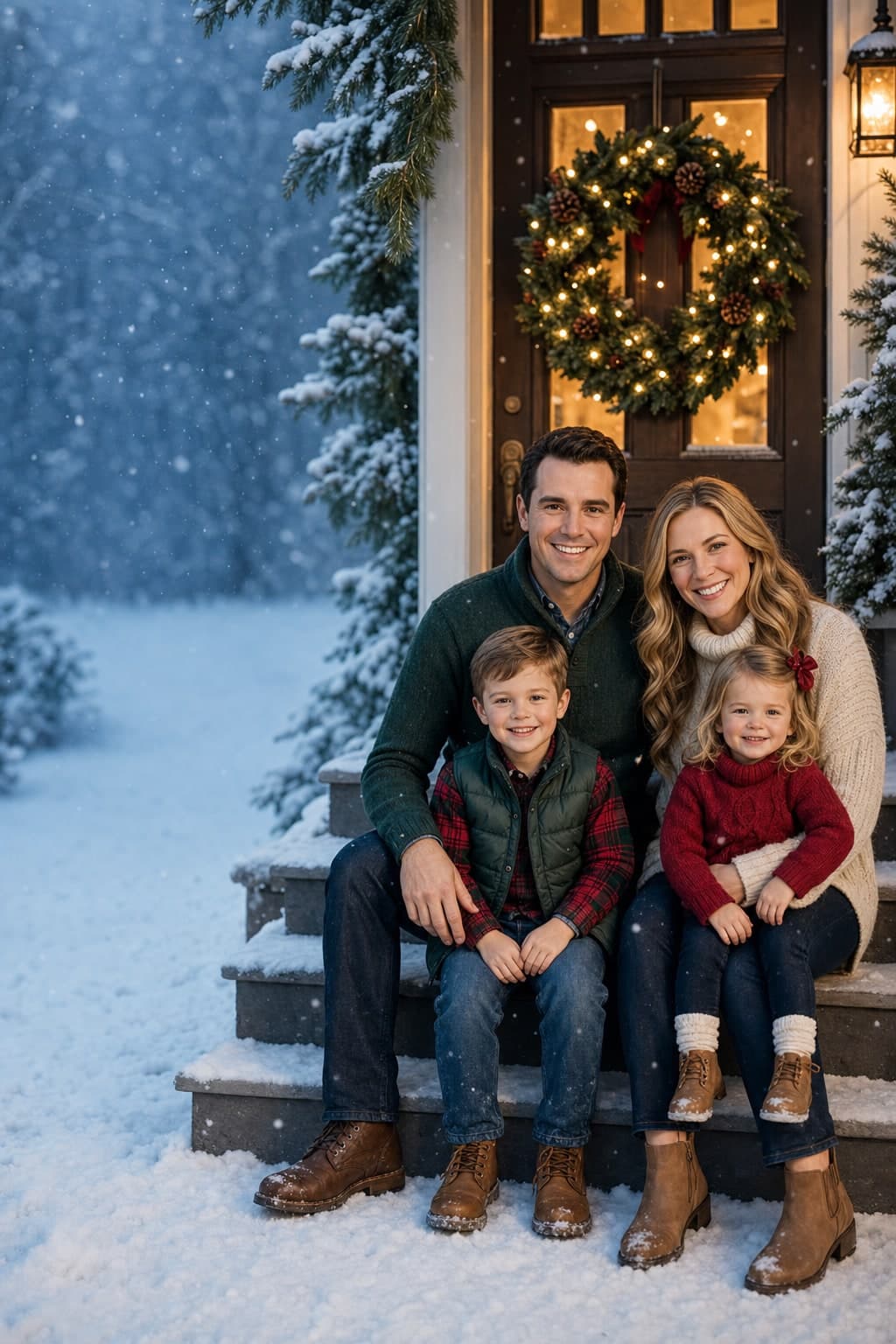
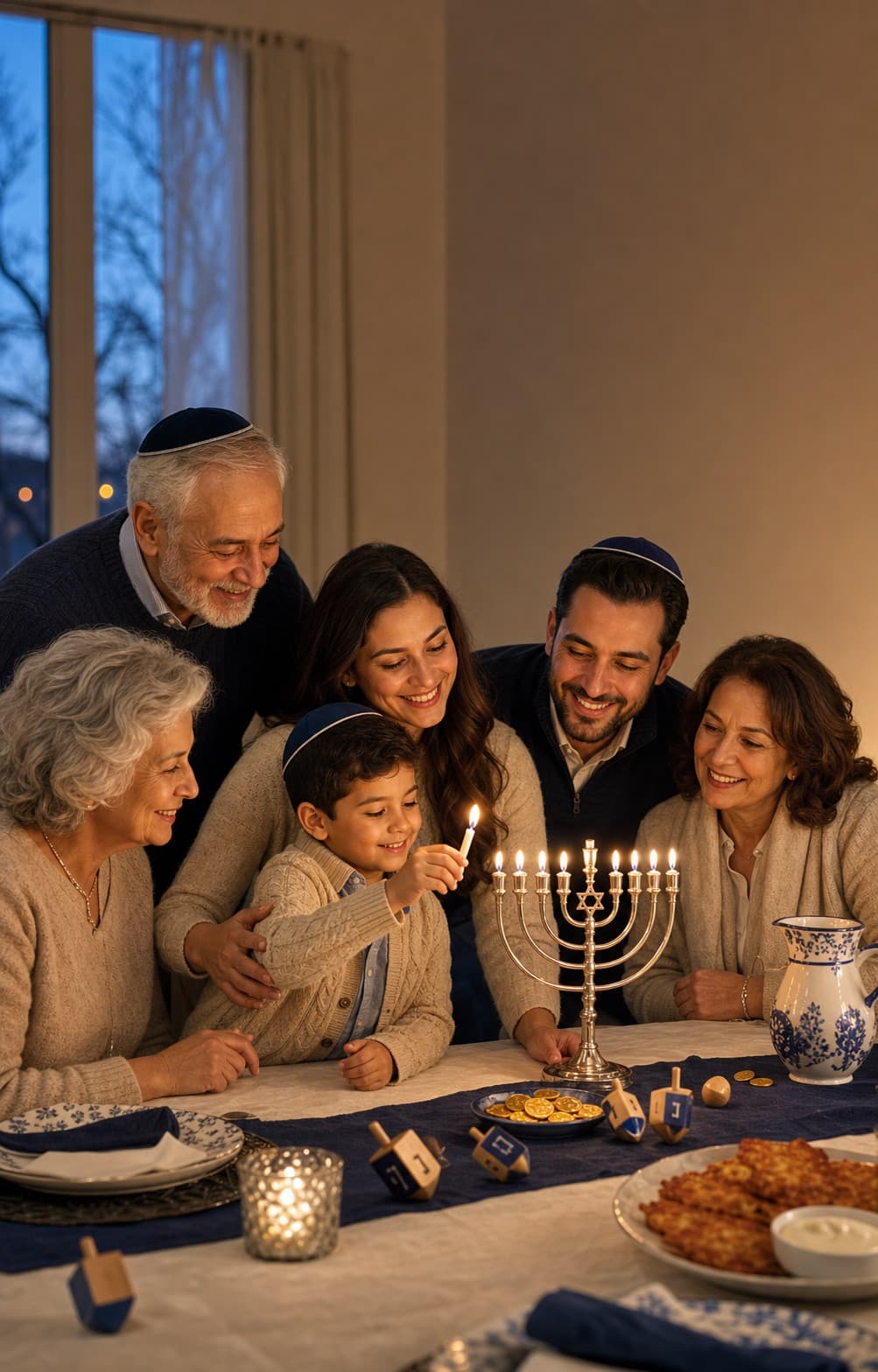
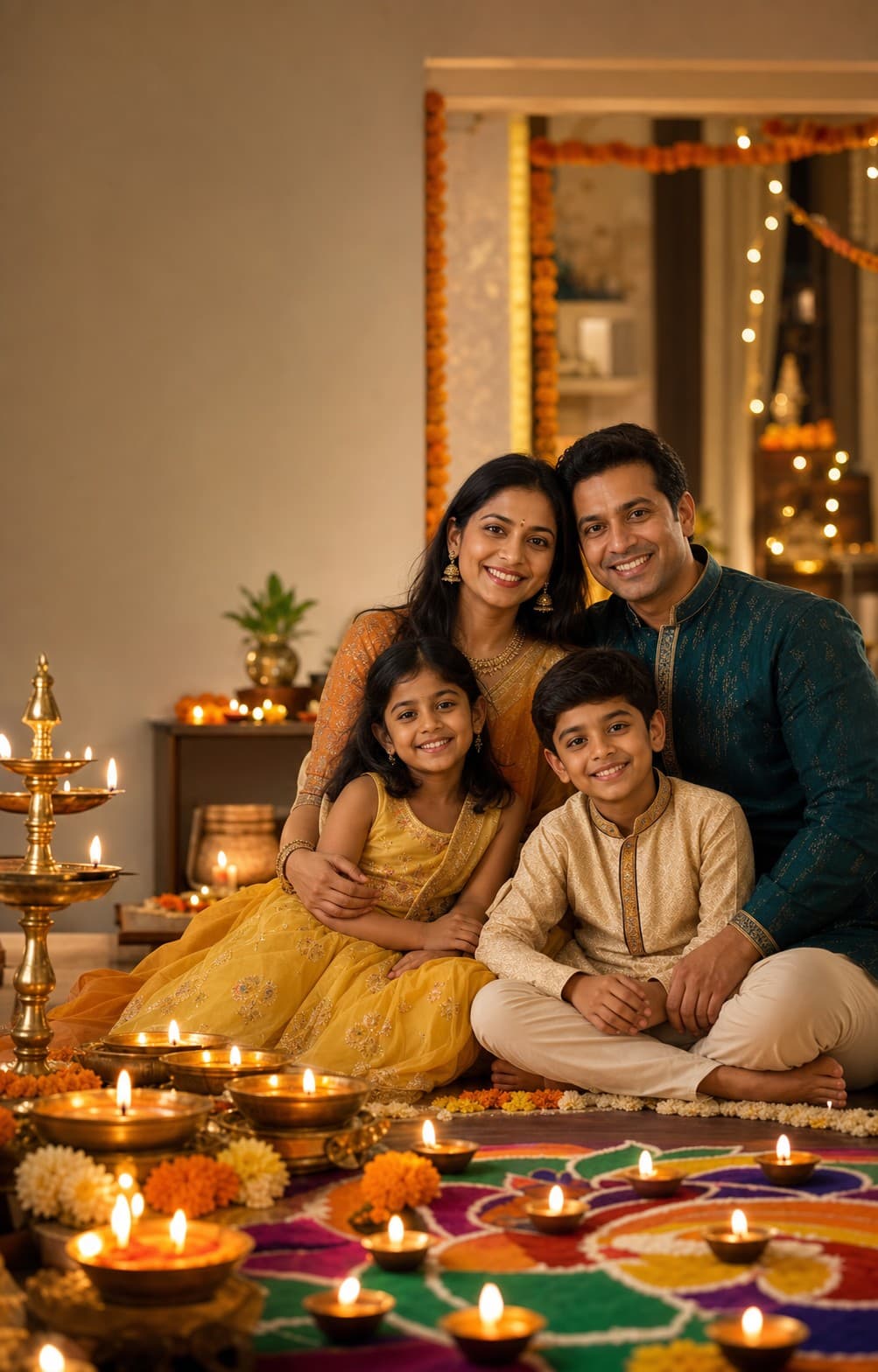
Frequently asked
- Can I preview my Family Reunion portrait before paying?
- Yes. Start with a free watermarked preview. Unlock the high-resolution, print-ready version only if you like the result.
- Do all family members need to be in the same photo?
- No. Upload separate phone photos for each person or pet, and FamilyShoot composes the final portrait or card from those source photos.
- Can I use this as a card and a framed gift?
- Yes. The same generated keepsake can work as a digital share, printable card, or framed portrait after you unlock the high-resolution file.
Ready to make yours?
A few selfies in, a frame-worthy family portrait or card out. About two minutes.