AI Christmas Card Photo Generator: Make a Family Card From Separate Photos
Learn how to create a Christmas card family photo from separate pictures, with tips for references, style, layout, and natural holiday details.
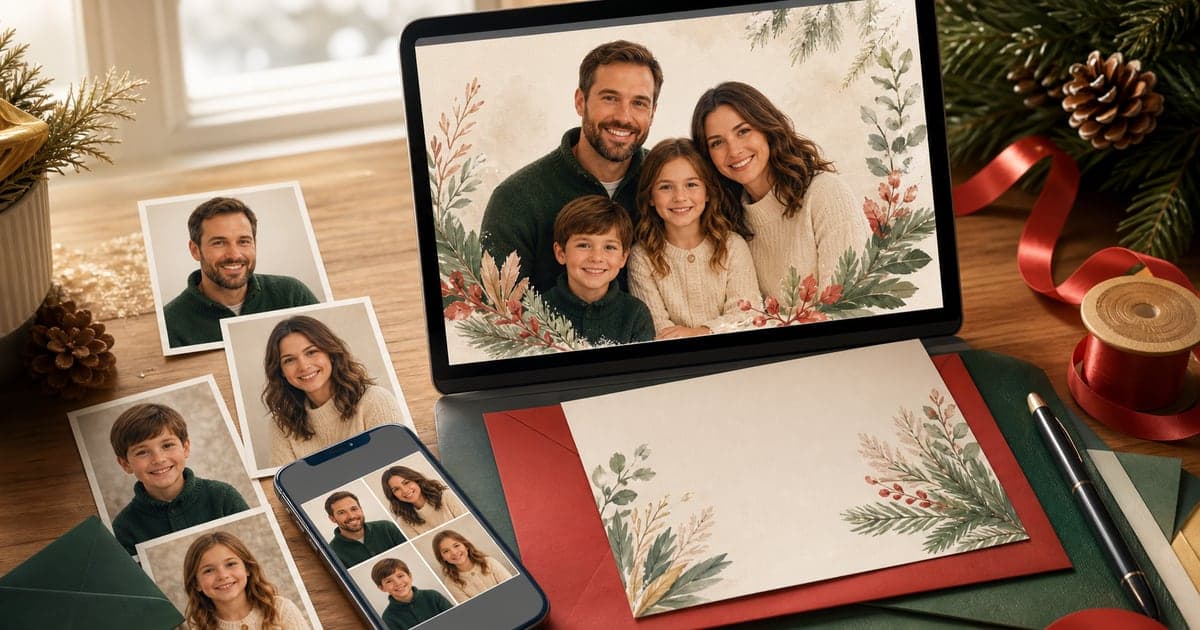
Christmas cards have a way of revealing the photo problem. You need one recent family picture, everyone looking decent, a card-friendly crop, and enough seasonal warmth to feel worth sending. Most families do not have that photo ready.
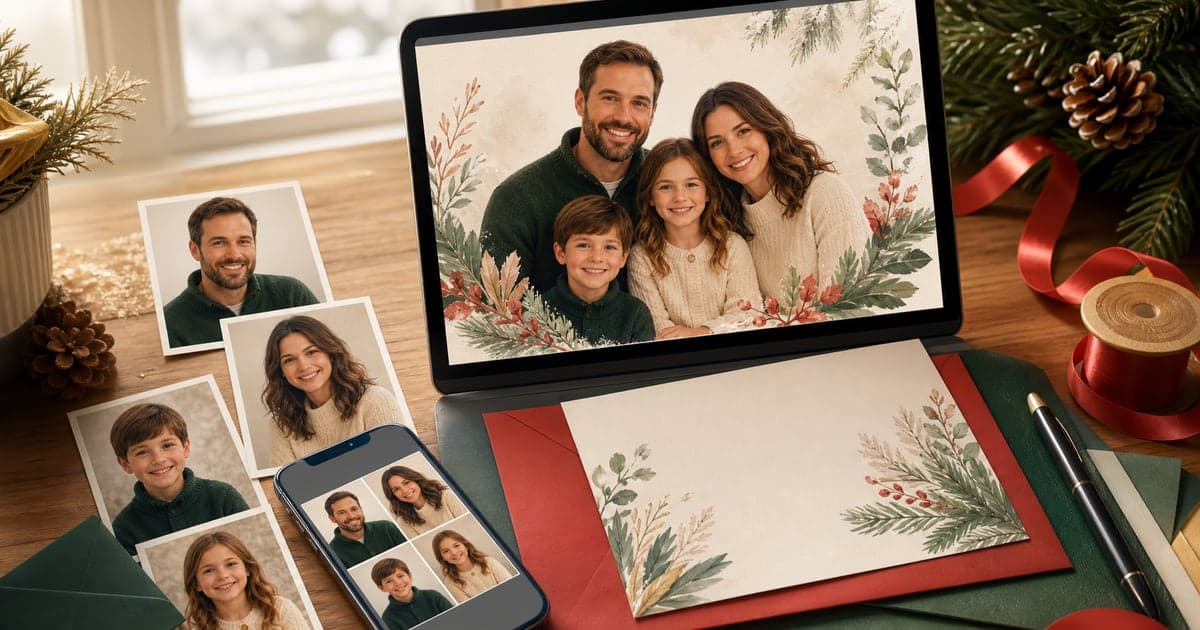
An AI Christmas card photo generator can help you make the card image from separate photos instead of organizing a full holiday photoshoot. Upload clear references, choose a festive style, and create a portrait that feels ready for a card.
FamilyShoot is built for families who want a polished image from the photos they already have. If you are making a broader winter or holiday card, also read AI holiday card photo tips for families.
Start with the card, not the prompt
Before choosing the style, decide what kind of card you want to send. A formal mailed card needs a different image than a playful digital greeting.
Ask:
- Will this be printed?
- Does the image need room for card text?
- Do you want cozy, classic, funny, or polished?
- Should pets be included?
- Do you want everyone looking at camera?
- Is this a Christmas card, winter card, or broader holiday card?
The more specific the purpose, the better the result. "Christmas card family portrait" is stronger than "holiday image."
Use separate photos when the group photo does not exist
You do not need one perfect group shot. In fact, the whole point is that many families do not have one. You can use separate photos of each person as references, then create one new image where everyone appears together.
Good reference photos have:
- Clear faces.
- Natural expressions.
- Even lighting.
- Minimal blur.
- Recent photos for kids.
- No sunglasses or heavy filters.
If you are combining relatives from different photos, use the full guide on how to create a family portrait from separate photos.
Choose Christmas details that support the family
Christmas card images can become crowded quickly. You do not need every holiday prop in one picture. A few clear details are enough to make the image seasonal.
Good Christmas card cues include:
- A softly lit tree.
- Warm sweaters.
- Evergreen garland.
- Window light and winter tones.
- Simple wrapped gifts.
- Cozy couch setting.
- Gentle snow outside.
- Warm golden lights.
Avoid stuffing the scene with ornaments, text, toys, cookies, fireplace details, and multiple pets all at once. The family should still be the first thing people notice.
Make room for the card layout
If you plan to add text later, keep the generated image clean. Do not ask the image model to write the greeting inside the photo. Generated text can be unreliable, and most card tools give you better control over typography afterward.
For card-friendly photos:
- Leave open space above, below, or beside the family.
- Avoid cropping heads too close to the edge.
- Keep faces large enough to print.
- Use a simple background.
- Choose lighting that still looks good after printing.
If you want a dedicated card workflow, start from FamilyShoot cards instead of trying to adapt a wall portrait.
Prompt ideas for Christmas family cards
Use simple directions like:
- Cozy Christmas card family portrait near a softly lit tree.
- Warm winter family portrait with evergreen garland and soft window light.
- Classic Christmas family photo with neutral outfits and subtle red accents.
- Casual couch portrait with kids, parents, and dog in a festive living room.
- Frame-ready holiday portrait with simple cream and evergreen styling.
- Outdoor winter family portrait with gentle snow and warm expressions.
If you want more prompt language, see the full guide to best AI family photo prompts.
Include pets carefully
Pets can make a Christmas card feel more like your real family. They can also make the composition harder if the scene is already busy.
If you include a dog or cat, keep the pose believable:
- Dog seated in front of the family.
- Small dog on a lap.
- Cat sitting near the kids.
- Pet beside the couch instead of blocking faces.
Use one clear pet reference photo. For more detail, read how to make an AI family photo with pets.
When to make the card
The best time to make a Christmas card photo is before you feel rushed. If you plan to print and mail cards, give yourself time to generate a few options, choose the favorite, upload it to a card layout, and check the printed crop.
If you are sending digital cards, you can move faster, but it is still worth generating more than one option. One image may have the best smiles. Another may have the best composition. Pick the one that feels like your family, not just the most festive.
The takeaway
An AI Christmas card photo generator works best when you treat the image like a real card photo: clear references, simple seasonal details, a print-friendly crop, and enough room for the layout.
You do not need one perfect group picture. You need good individual photos and a clear card direction. When you are ready, start with FamilyShoot cards or add your family in My Family and make the Christmas card image from the photos you already have.
Make one now
Turn your photos into a family portrait.
Upload one clear photo per person, choose a portrait or card style, and keep the version that feels most like your family.