Best AI Family Photo Prompts for Natural Portraits
Use these AI family photo prompt ideas to plan realistic portraits, holiday cards, pet photos, grandparent gifts, and playful family keepsakes.
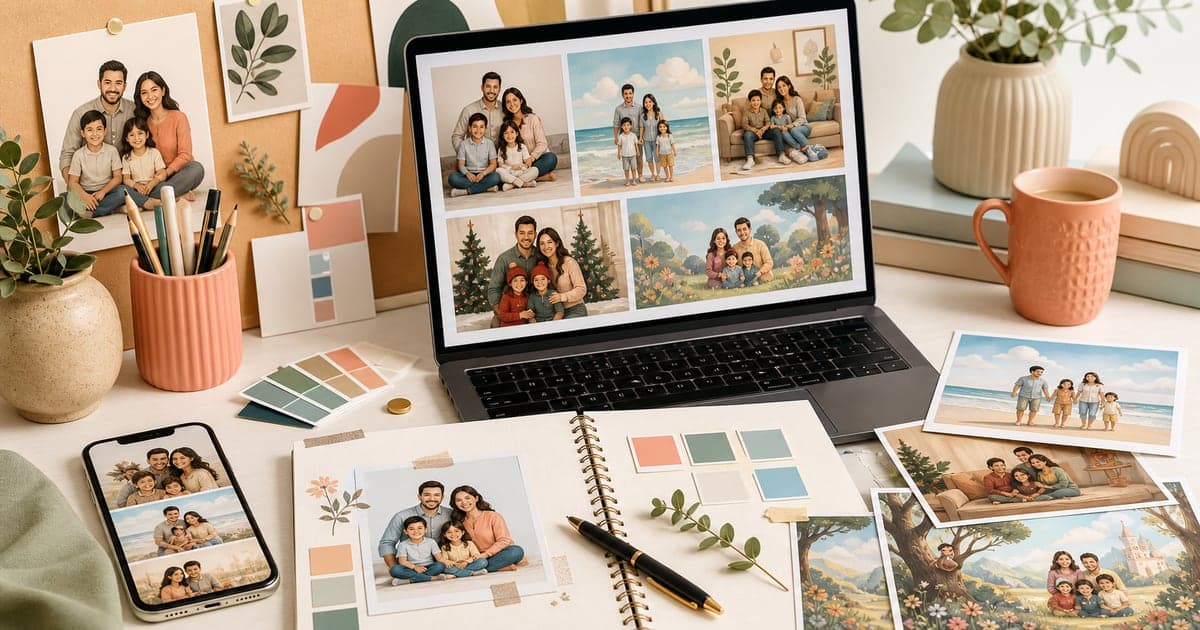
The best AI family photo prompts are not the longest ones. They are specific enough to guide the image, but simple enough that the people still feel like the priority.
If you are using FamilyShoot, you do not need to become a prompt engineer. You start with reference photos, choose a style, and generate a family portrait from the people you uploaded. Still, having a clear direction helps you decide what kind of image you want before you start.
Use these prompt ideas as planning language for family portraits, holiday cards, pet photos, and gifts.
What makes a family photo prompt work
A strong prompt has three parts:
- Who should appear.
- Where the family should be.
- What the final image is for.
"Make a nice family photo" is too broad. "Warm living room family portrait for a holiday card" gives the image a purpose. "Golden-hour backyard portrait with two parents, two kids, and a dog" gives the scene a believable structure.
If you are making a portrait from separate references, the prompt should support the references instead of replacing them. For more on that workflow, read how to create a family portrait from separate photos.
Natural family portrait prompts
Use these when you want a realistic, printable image:
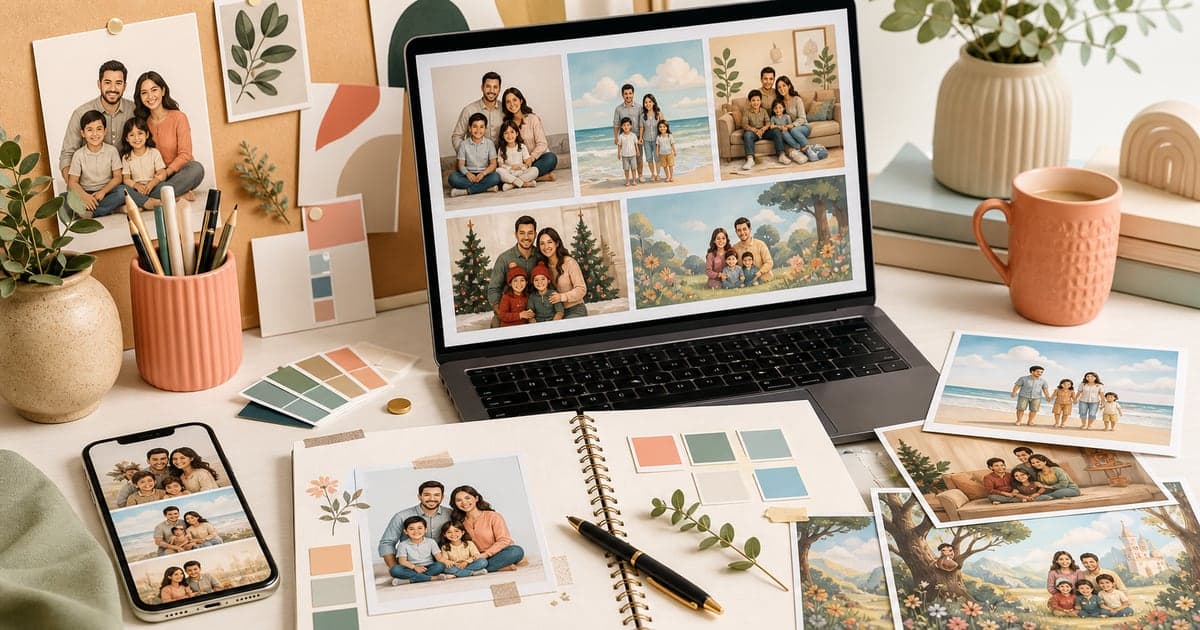
- Warm living room family portrait with soft window light.
- Clean studio family portrait with simple neutral clothing.
- Golden-hour backyard family photo with relaxed smiles.
- Casual couch portrait with everyone seated close together.
- Soft outdoor park portrait with natural expressions.
- Classic frame-worthy family portrait on a simple background.
- Editorial family portrait with warm light and gentle depth of field.
The key is to keep the action simple. Natural portraits usually look better when the family is sitting, standing, leaning, or walking together rather than performing a complex scene.
Holiday card prompts
Holiday cards need a slightly different composition because the image may be cropped, printed, or placed inside a card layout.
Try:
- Cozy Christmas card family portrait near a softly lit tree.
- Winter holiday family portrait with warm sweaters and gentle snow outside.
- Family New Year card portrait with clean studio lighting and festive accents.
- Hanukkah family card portrait with warm candlelight and calm styling.
- Diwali family portrait with soft golden light and elegant festive clothing.
- Eid family card portrait with refined indoor styling and warm tones.
- Lunar New Year family portrait with red and gold accents, simple background.
Avoid packing too many props into the image. A few seasonal cues are enough. For more detail, use the AI holiday card photo tips.
Family photo prompts with pets
Pets work best when the pose feels plausible:
- Cozy couch family portrait with the dog seated in front.
- Golden-hour backyard family photo with a dog beside the children.
- Warm holiday card portrait with the cat sitting near the family.
- Porch family portrait with a small dog on someone's lap.
- Clean studio family portrait with the pet seated at one side.
- Casual bed portrait with kids and family cat in soft morning light.
For pet-specific reference tips, read how to make an AI family photo with pets.
Grandparent gift prompts
For gifts, choose warmth over novelty:
- Classic family portrait for grandparents with everyone clearly visible.
- Grandparents and grandchildren portrait in a warm living room.
- Multi-generation family portrait with soft studio lighting.
- Frame-ready family keepsake portrait with timeless neutral styling.
- Birthday gift portrait with grandparents centered and grandchildren nearby.
- Cozy holiday gift portrait with simple seasonal details.
If the portrait will be printed, avoid tiny full-body compositions. Faces should be large enough to recognize. The guide to family portrait gifts for grandparents has more planning tips.
Playful family keepsake prompts
Not every family portrait has to be formal. Playful styles can work well when you want something memorable for a kid's room, birthday, or family group chat.
Try:
- Storybook family portrait in a sunny countryside scene.
- Watercolor family portrait with soft paper texture.
- Animated family adventure portrait in a cozy neighborhood.
- Vintage vacation-style family portrait by the beach.
- Superhero-inspired family portrait with playful costumes.
- Magazine editorial family portrait with bold styling.
For more playful examples, browse the trending FamilyShoot styles or the best family photo prompts gallery.
Prompt mistakes to avoid
The fastest way to make an AI family photo look fake is to ask for everything at once.
Avoid prompts that include:
- Too many locations in one image.
- Several art styles at the same time.
- Exact text inside the image.
- Complicated action poses for every person.
- Too many props.
- Vague goals like "make it amazing."
- References to celebrities or branded characters.
If you want realism, keep the prompt grounded. If you want a stylized keepsake, choose one style and commit to it.
A simple prompt formula
Use this formula before generating:
A [final purpose] of [family members] in [setting], with [lighting/mood], styled as [realistic or chosen style].
Examples:
- A frame-ready family portrait of two parents, two kids, and a dog in a warm living room, with soft window light, styled as a natural photograph.
- A Christmas card portrait of a family of four near a softly lit tree, with cozy winter styling, realistic and print-friendly.
- A grandparent gift portrait of grandparents and grandchildren on a couch, with warm indoor light, classic and timeless.
That is enough. The references do the identity work. The prompt gives the final image a job.
The takeaway
The best AI family photo prompts are practical. They name the subject, setting, mood, and purpose without burying the image in extra instructions.
Choose a clear direction, upload strong references, and let the portrait stay focused on the family. When you are ready, open My Family and turn the prompt into a finished image.
Make one now
Turn your photos into a family portrait.
Upload one clear photo per person, choose a portrait or card style, and keep the version that feels most like your family.