AI Family Photo Generator: Make a Family Portrait From Separate Photos
Learn how to turn scattered iPhone photos into one natural, frame-worthy family portrait or holiday card with an AI family photo generator.
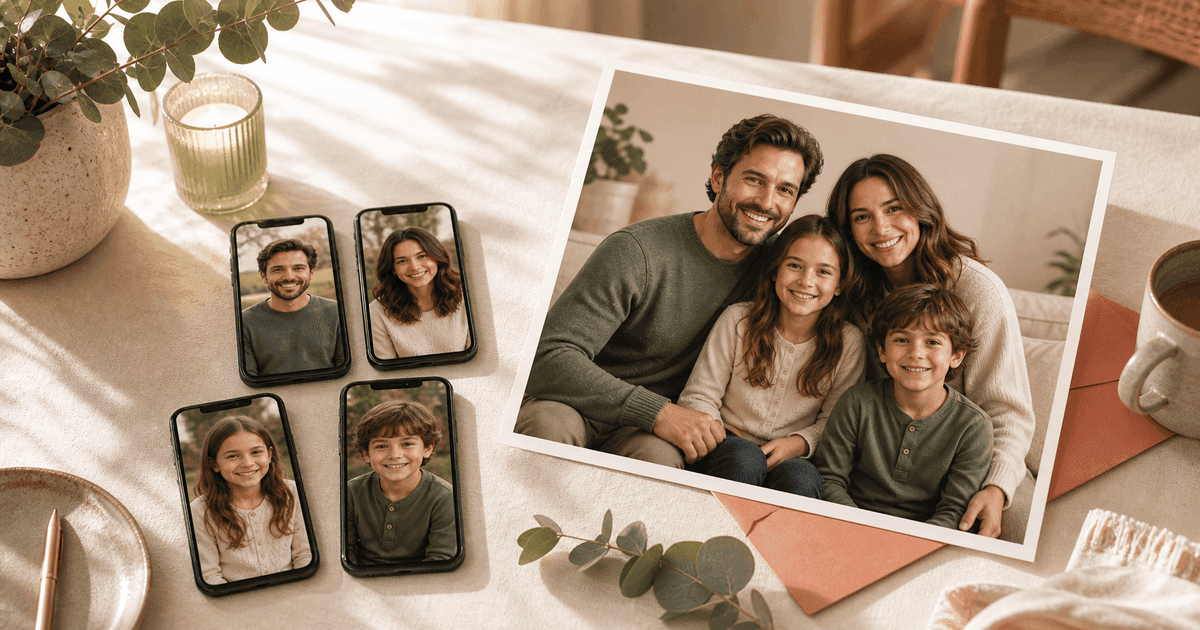
If you have ever tried to find one good family photo, you already know the problem. One person looks great in the birthday photo. Someone else only has a clear selfie. The kids are moving too fast. The dog is perfect in exactly the picture where nobody else is looking.
That is where an AI family photo generator is useful. Instead of booking a studio, coordinating outfits, and hoping everyone cooperates at the same time, you can upload separate photos of each person and create one polished family portrait from the pictures you already have.
FamilyShoot is built for that exact job: turn scattered iPhone photos into a frame-worthy family portrait or holiday card in about two minutes. If you already know what you want to make, you can start a family shoot and upload one clear reference photo per person.
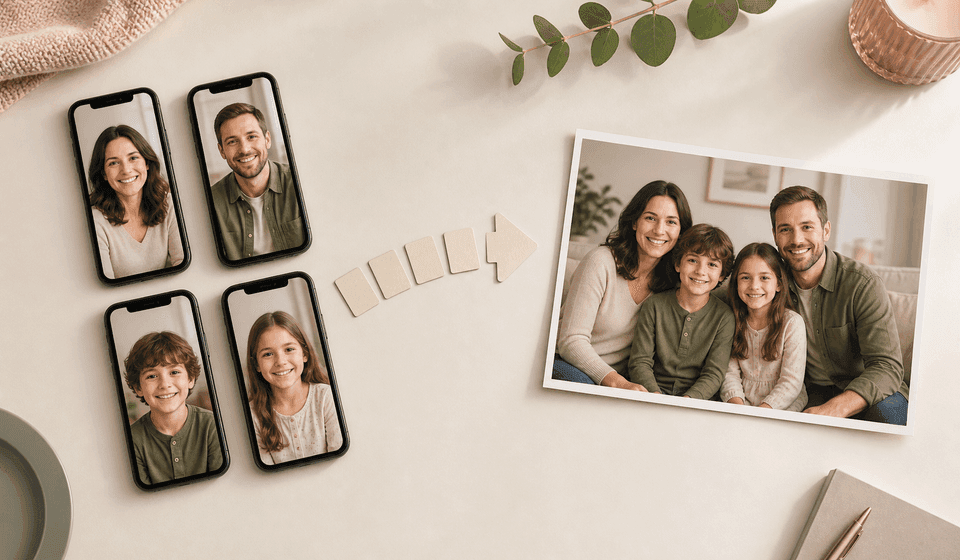
Why separate photos are often better than one imperfect group shot
A traditional group photo needs everything to go right at once: faces, lighting, timing, clothes, background, and mood. Families rarely get that luxury.
Separate reference photos let you choose the best image of each person. That matters when you want a portrait that actually looks like your family, not just a technically correct image.
Separate photos can help with:
- Creating a family portrait from individual photos.
- Combining family photos into one portrait.
- Making a holiday card from photos you already have.
- Creating a grandparent gift when the whole family is not together.
- Building a polished portrait without scheduling a family photoshoot.
If your main goal is a seasonal card, read our AI holiday card photo tips before you generate. If your main worry is realism, start with what makes an AI family photo look natural.
What to upload for the best AI family portrait
Use one clear, recent photo per person. A phone photo is fine. The goal is not studio perfection; the goal is enough facial detail for the AI to understand each person.
Good reference photos usually have:
- A clear view of the face.
- Natural expression.
- Even lighting without heavy shadows.
- No sunglasses or face-covering accessories.
- A current photo for babies, toddlers, and kids.
For pets, only include a pet reference if you want the pet in the final portrait. Otherwise, keep My Family focused on people.
When you are ready, the My Family step is where you add each person and keep the references organized before choosing a portrait or card style.
Pick a final purpose before choosing the style
An AI family portrait works best when the output has a clear job. "Nice family photo" is broad. "Warm holiday card from separate phone photos" is much more useful.
Before generating, decide whether you want:
- A print-ready family portrait.
- A custom family holiday card.
- A Christmas card photo.
- A birthday or new baby keepsake.
- A grandparent gift.
- A clean studio-style portrait.
- A cozy at-home family photo alternative.
That purpose helps the tool choose better composition, lighting, background, and crop.
For more inspiration on natural-looking poses, backgrounds, and lighting, keep the AI family photo realism checklist open while choosing your style.
The strongest launch use case: holiday cards
Holiday cards are a perfect fit for AI family photos because the need is specific and time-sensitive. Families want a polished card, but they often do not have a recent group photo.
The best angle is simple:
Make a family holiday card from the photos you already have.
You can upload separate photos, choose a seasonal style, and generate card-ready options without booking a photoshoot. This works for Christmas cards, winter cards, Hanukkah, Diwali, Eid, Lunar New Year, Easter, Mother's Day, Father's Day, birthdays, and family announcements.
For card-specific prompts and layout choices, use the companion guide: AI holiday card photo tips for families.
How FamilyShoot is different from generic AI photo tools
Many AI tools describe themselves as free photo generators, portrait makers, or image editors. FamilyShoot is narrower on purpose.
It is for families who want one finished result:
- One natural family portrait from scattered photos.
- A photo that is private and paid-only, not a public toy.
- A print-ready keepsake or card.
- A result that feels like the people you uploaded.
- A calmer alternative to a studio session.
That focus matters. The goal is not just to generate an image. The goal is to make something you would actually print, frame, send, or gift.
Quick checklist before you generate
Before you start, gather:
- One clear photo per family member.
- A recent photo for each child.
- A simple idea for the final style.
- The occasion, if it is for a card or gift.
- Any must-have family members or pets.
Then choose your vibe, generate a few options, and keep the one that feels most like your family.
You can start with My Family, or browse the FamilyShoot blog for more portrait and card planning notes.
The takeaway
The best family portrait is not always the one you managed to take in real life. Sometimes it is the one you make from the photos already sitting on your phone.
An AI family photo generator can help you combine separate photos into one natural portrait, create a holiday card, or make a keepsake when a traditional photoshoot is too much work.
Start with clear references, choose a specific purpose, and aim for a result that feels familiar enough to print. Then make your first FamilyShoot portrait.
Make one now
Turn your photos into a family portrait.
Upload one clear photo per person, choose a portrait or card style, and keep the version that feels most like your family.