What to Wear for an AI Family Photo
Simple outfit and reference photo tips for making an AI family portrait look coordinated, natural, and print-ready.
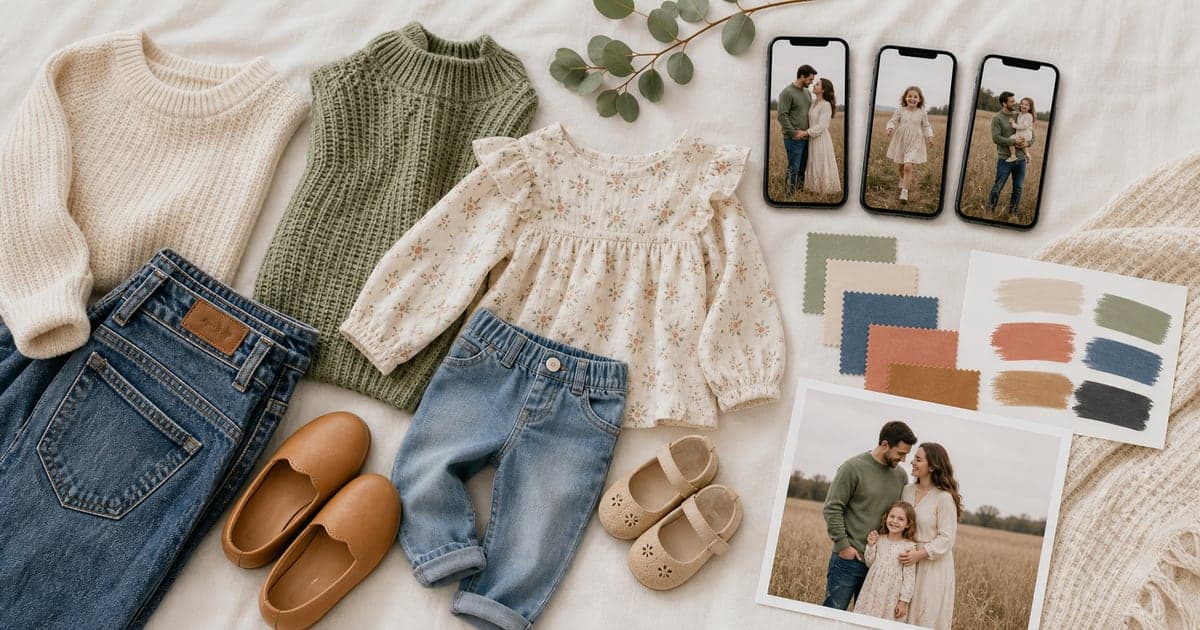
You do not need a closet full of matching outfits to make a good AI family portrait. But what people wear in their reference photos, and the style you choose for the final image, can affect whether the result feels calm, coordinated, and believable.
This guide is for families wondering what to wear for an AI family photo and what kinds of reference photos to upload before generating a portrait.
If you are still new to the workflow, start with the main guide on how to create a family portrait from separate photos. Then come back here when you are choosing references and a final style.
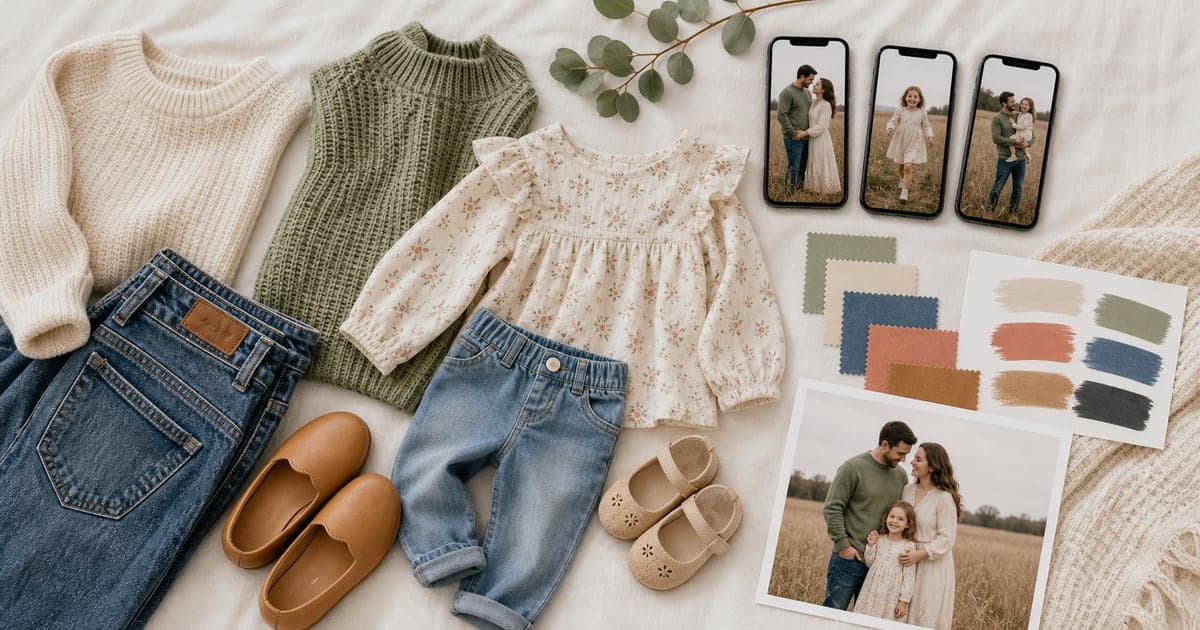
You do not need everyone in matching clothes
A normal photoshoot asks everyone to show up in coordinated outfits. An AI family photo works differently. The final image is generated from reference photos, so the exact outfit in each upload may not be copied one-to-one.
Still, your references should help the AI understand each person clearly. Avoid photos where a scarf, hood, sunglasses, or costume blocks the face. If a child is wearing a giant hat in the only photo you upload, the final image may have less reliable facial detail.
The main rule is simple: choose clear references first, stylish references second.
Pick a color mood for the final portrait
Instead of matching every outfit, choose a general color mood for the final portrait. This gives the image a coherent feeling without making the family look overly staged.
Good family photo color directions include:
- Soft neutrals: cream, gray, denim, tan.
- Warm earth tones: olive, rust, camel, brown.
- Coastal colors: white, blue, sand, pale green.
- Holiday colors: cream, evergreen, muted red, gold.
- Studio classic: black, white, denim, charcoal.
- Spring palette: soft blue, blush, sage, ivory.
If you are making a seasonal card, the color mood can support the occasion without becoming a costume. For more card planning, read AI holiday card photo tips.
Avoid tiny patterns and loud logos
Small patterns can become noisy in generated portraits, especially when several people are in the frame. Loud logos and text can also distract from faces or render oddly.
For the cleanest result, prefer:
- Solid colors.
- Soft textures.
- Simple knits.
- Denim.
- Linen.
- Plaid only when it is large and subtle.
- Dresses, sweaters, shirts, and jackets without big text.
This does not mean everyone has to dress formally. Casual family outfits often look more natural than stiff matching clothes.
Choose reference photos with visible faces
Reference quality matters more than wardrobe. The AI needs to understand who each person is before it can make a portrait that feels like them.
Good reference photos usually have:
- Face visible and uncropped.
- Eyes open and clear.
- Even lighting.
- Natural expression.
- Minimal blur.
- Recent photo for children.
- No heavy filters.
If you are uploading separate photos, they do not need to be taken in the same place. A school photo, a kitchen selfie, and a phone snapshot can still work if each face is clear.
For realism concerns, use the checklist in what makes an AI family photo look natural.
Match outfits to the final style
Some final styles make outfit planning easier. A cozy couch portrait can handle casual sweaters. A clean studio portrait looks better with simple, structured clothing. A storybook or watercolor image can soften mismatched outfits.
Think about the final purpose:
- Wall portrait: timeless colors and simple clothes.
- Holiday card: cozy layers and seasonal accents.
- Grandparent gift: warm, classic styling.
- Pet portrait: clothes that do not compete with fur texture.
- Announcement card: soft tones and uncluttered composition.
If you want to browse the available directions first, start with FamilyShoot vibes or styles.
Do not overcorrect real family personality
Coordination is helpful, but the portrait should still feel like your family. If one kid always wears bright colors, you do not have to erase that. If someone only feels comfortable in black, keep the final direction flexible.
AI family portraits look best when they are polished but still recognizable. The goal is not to turn everyone into a catalog model. The goal is to make a family image you would actually print.
Quick outfit planning checklist
Before you generate, decide:
- Do we want casual, polished, cozy, seasonal, or formal?
- What color mood should the final portrait have?
- Are any uploaded photos blocked by sunglasses, hats, or filters?
- Are kids represented by recent photos?
- Will this be printed, framed, sent as a card, or used digitally?
Then choose your references and start simple. You can always generate another variation with a warmer, more formal, or more playful direction.
The takeaway
For an AI family photo, clear reference photos matter more than perfect outfits. Choose visible faces, avoid distracting logos, pick a color mood, and match the final style to the way you plan to use the image.
When your references are ready, add your family in My Family and turn them into a coordinated portrait.
Make one now
Turn your photos into a family portrait.
Upload one clear photo per person, choose a portrait or card style, and keep the version that feels most like your family.